iCloud Photos
You can keep all your snaps and clips synced across your Apple devices, and more
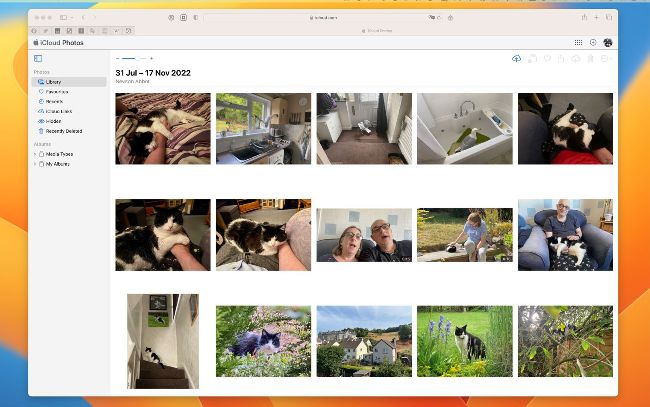
iCloud Photos is available on Macs, iPads and iPhones, and can be viewed on Apple TV.
iCloud Photos on Apple TV
To view iCloud Photos on your Apple TV, first open the Settings app. Go to Users and Accounts > [your name] > Photos and turn on iCloud Photos. You can then review your photos and videos by opening the Photos app, navigating to the picture, video or album you wish to view with the remote and then clicking.
T he iCloud Photos service is heavily integrated into the Photos app on Macs and Apple mobile gear. With iCloud Photos active, every photo you take is automatically uploaded to your iCloud account and synced with other Apple devices signed into your Apple ID. You can thus enjoy your photos and videos on all your Apple gear, regardless of which device they were taken on.