Welcome to macOS Monterey
Not all Macs get the same new features, and you need an M1 to get the lot
As long as you’re already familiar with using Big Sur, with its new human interface, you’ll notice relatively little change in design, layout or controls in Monterey. If you’re coming from an older version of macOS, you may be shocked to discover what’s happened, particularly in the top of windows. Small windows with lots of tools can make it hard to find anywhere that’s safe to use to drag the window around, but you’ll develop that skill in time.
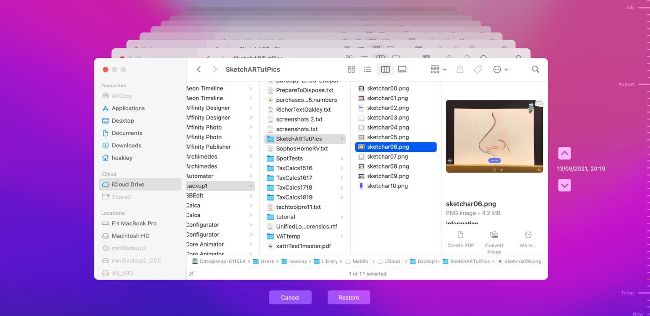
Time Machine will also try to keep backups of what’s in your iCloud Drive.
New features depend on the Mac model you’ve upgraded. M1 users do best of all, getting the whole set, but if your Intel Mac only just made the cut for macOS 12, you may not get Universal Control, and there’s uncertainty over support for AirPlay to Mac too. On Intel Macs, Object Capture is limited by installed memory and the graphics card: your Mac will need at least 16GB of RAM and a graphics card with at least 4GB of VRAM to be able to use this new feature. Continuous Dictation and its related features are also not available on any Intel models. If you’re unsure whether your Mac should support any given feature, check the fine print on Apple’s detailed list of features in Monterey before wondering why something doesn’t work.