Quick-fire questions
How to keep Time Machine snapshots longer?
> Snapshots made by Time Machine every hour in association with its backups are automatically deleted once they’re more than 24 hours old. There’s no way to change that, although third-party backup utilities including Carbon Copy Cloner can be set to delete their own snapshots after longer periods.
How to show custom information in Quick Look?
> Information shown below a file’s thumbnail by Quick Look is governed by the type of file concerned. Select a document of the type you want to change, Ctrl-click for the contextual menu and select Show Preview Options there. Currently this seems to have a mind of its own and might also be controlled by apps you have installed.
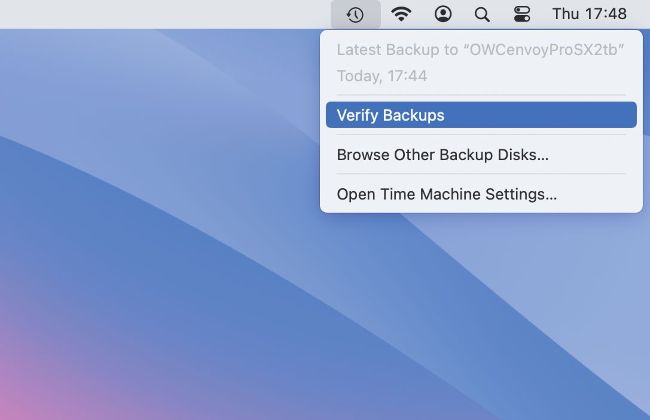
The Verify Backups command shown in Time Machine’s menu with the Option key only appears to work with backups on network storage.