Syncing and security
How to make sure you only share the things you want to
Use 2FA to protect your iCloud privacy
We’d strongly recommend using Apple’s two-factor authentication (2FA) to add an extra layer of security to your iCloud account. This ensures that people can’t log in as you from other devices even if they have your Apple ID and password.
With 2FA enabled, when you try to log in to an iCloud service from a new device, Apple sends a one-time code to your existing devices. No code, no login. If it’s not already enabled on your device you can turn on 2FA in Settings.
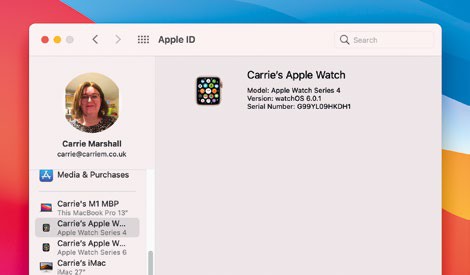
It’s a good idea to look at System Preferences > Apple ID and remove any devices you no longer have.
Because iCloud synchronises data between devices and Apple’s servers, it’s moving lots of personal documents and data, so it’s important to protect that data from being intercepted by the wrong people.