RIP. MIX. BURN
How to import and manage your own Music collection
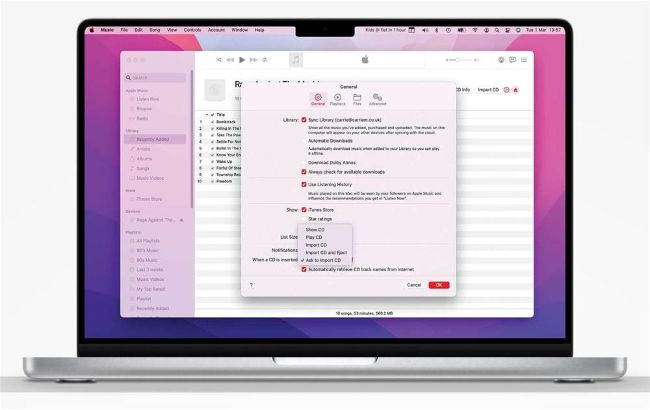
If you’re importing a lot of discs, change this setting to ‘Import CD and Eject’ to save time.
A
s lovely as it is to have an extensive collection of CDs, you can’t beat the convenience of digital music. The first iPod promised 1,000 songs in your pocket and today’s iPod touch or iPhone has room for more music than most of us buy in a lifetime, with Macs offering even more. So how do you get your CDs into the Apple Music app, or iTunes on older Macs, so you can play them, share them and even burn your own CDs from them?
The good news is it’s really simple; if you have a CD/DVD drive in your Mac just put the CD in the drive and your Music app will look it up online and find the title, track details and artwork. If your Mac doesn’t have a CD/DVD drive you can attach one via USB. Apple still makes the USB SuperDrive, a CD/DVD player and burner, and there are plenty of more affordable third-party options too.