Break a macOS update loop
by JIM MARTIN
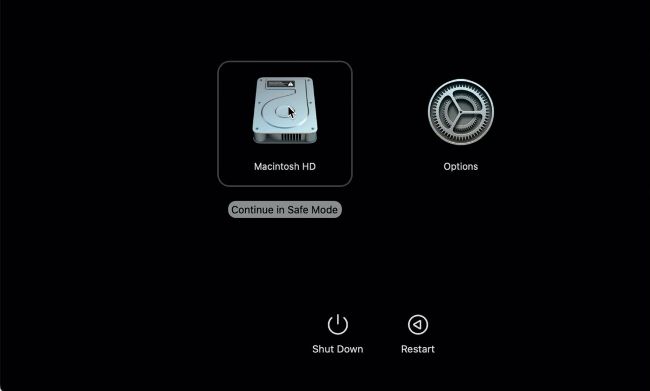
Start up Apple silicon Macs in safe mode through Recovery; select the disk, hold Shift and click on the button.
Q When trying to update to macOS 13.2, each time my Mac finishes preparing the update, it loops back and downloads it again. How can I install it?