The best video apps for iPhone
Boost your movie-making prowess with these…
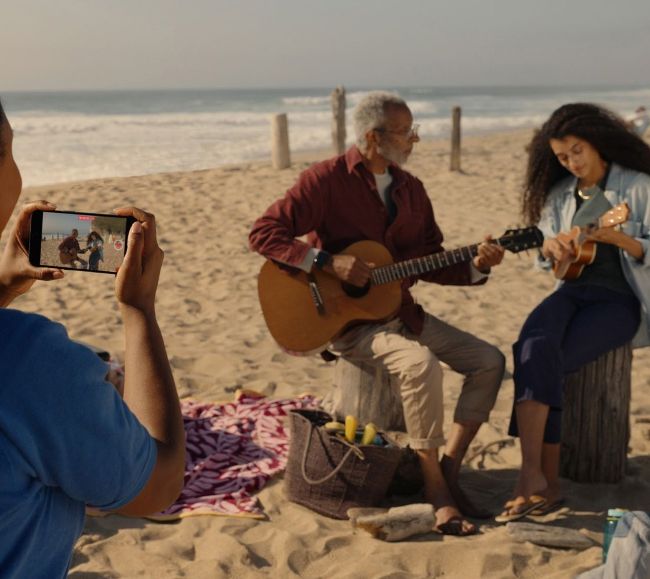
Image credit: Apple Inc
Group test
Reviewed by GEORGE CAIRNS
ON TEST…
> Blackmagic Camera
> Camera
> Cinema P3 Pro Camera
> Filmic Pro 7
> Final Cut Camera
> Kino
Your iPhone’s Camera app is capable of capturing beautiful footage. And although you can choose a wide range of shooting modes – from Cinematic to SloMo – the Camera app doesn’t provide all the manual controls that a professional video maker might require. For example, the Camera app enables you to change focus by tapping on a subject, but you can’t change the speed of the focal change. You can tap and hold the 0.5x-5x icons to zoom in or out, but you can’t easily control the zoom speed.
As well as manual zoom and focus control, some of the third-party apps that we’ve tested here add pro features such as histograms and zebra warnings, so you can diagnose and fix areas that are over or underexposed. Some apps feature focus peaking (which indicates which areas are sharp) and offer the ability to manually pull focus from a foreground to background subject like a pro cinematographer.
You may be happy with Apple’s Camera app toolset, but if you want to take more control over a host of proprieties then one of these alternatives apps should be worth investing in (and some of them are free!).
How we tested
We installed our film-making apps on the same iPhone 15 Pro Max to give them a level playing field during our test.
We filmed a range of subjects (from models to documentary subjects) over a period of weeks and tested each app’s ability to adjust common video proprieties such as exposure, shutter speed and focus. We also explored more unusual properties such as the ability of some apps to control video smoothness using manual shutter angle controls.