Networking
We help to solve your Wi-Fi woes and connection conundrums
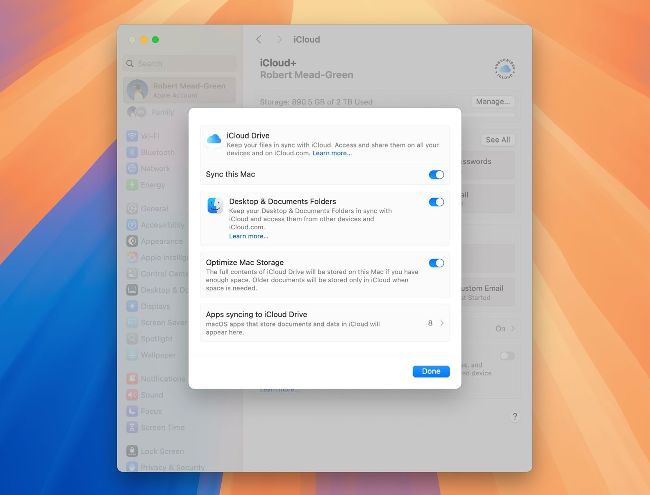
If you want the entire contents of your Mac’s iCloud Drive stored locally, turn Optimize Mac Storage off.
> Keep iCloud Drive downloaded
I need to keep all my iCloud Drive documents downloaded to my MacBook Pro at all times, unlike on my iPad. How can I set that up?
Before iCloud Drive was thoroughly revised in macOS 14 (Sonoma), control over which of its contents were also stored locally on your Mac could have become confused. But now that issue has been addressed, so keeping your documents downloaded is both reliable and straightforward.
Provided your Mac has syncing enabled for iCloud Drive, in the Drive item in iCloud settings in your Apple Account, then the key control is Optimize Mac Storage, immediately below the Desktop & Documents Folders setting. When optimization is turned on, both you and macOS can decide to evict files from your Mac’s iCloud Drive folder, so they have to be downloaded before you can open or access them, as indicated by the adjacent cloud icon with a downward pointing arrow.