Work smarter not harder
Make life easier with these advanced tips
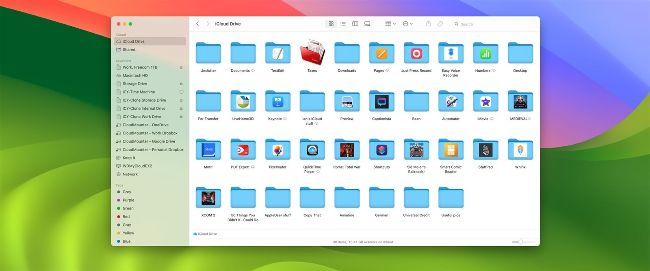
Careful use of iCloud Drive saves hard drive space and makes files accessible online.
WITH ALITTLE foresight and planning, you can save time and effort when working on your Mac. These handy helpers will make things run more smoothly.
FILE AND FOLDER NAMING AND ORGANIZATION
When you create a new file or folder, take care to name it something that makes sense when you view it later or send it to someone else. For example, the screenshot at the top of this page was called Page 7_topshot.PNG when we passed it to the designer, they then knew it was for the top of the seventh page in this article. If we’d left the title as Screenshot 2024–01–02 at 1.13.37pm, it would’ve been much harder for the designer to know where to place it.
Likewise, if you have a folder with a huge number of files in it, it’s worth thinking about whether there’s any way you can subdivide the files into folders contained within the main one. Adding new folders doesn’t cost you any hard drive space, but can make the content in your folders a lot clearer.