>>> 87 time–saving tips
DO MORE WITH iOS
iOS is positively packed with efficiency features
1 Find your Focus
Focus in iOS makes it easy to draw lines between work and play at specific times or in specific places. You can automate Focus modes in Settings > Focus.
2 Get a summary
iOS 15’s summaries bundle notifications together and deliver them to your Lock Screen at the times you specify in Settings > Notifications > Schedule Summary.
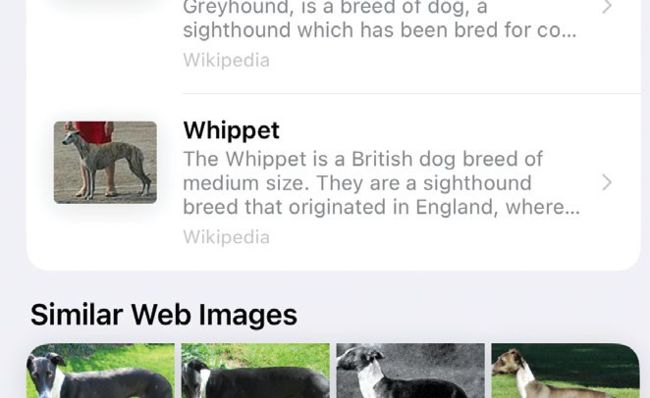
Visual Look Up can tell you more about animals, plants and buildings that you’ve taken photos of.
3 Use Smart Stacks
Smart Stacks widgets provide context–aware content and links that change throughout the day. To add a Smart Stacks widget, press and hold your Home Screen; then tap the “+” icon top left.