THE CHANGING STATE OF VRAM REQUIRENEBTS
How much VRAM do you really need?
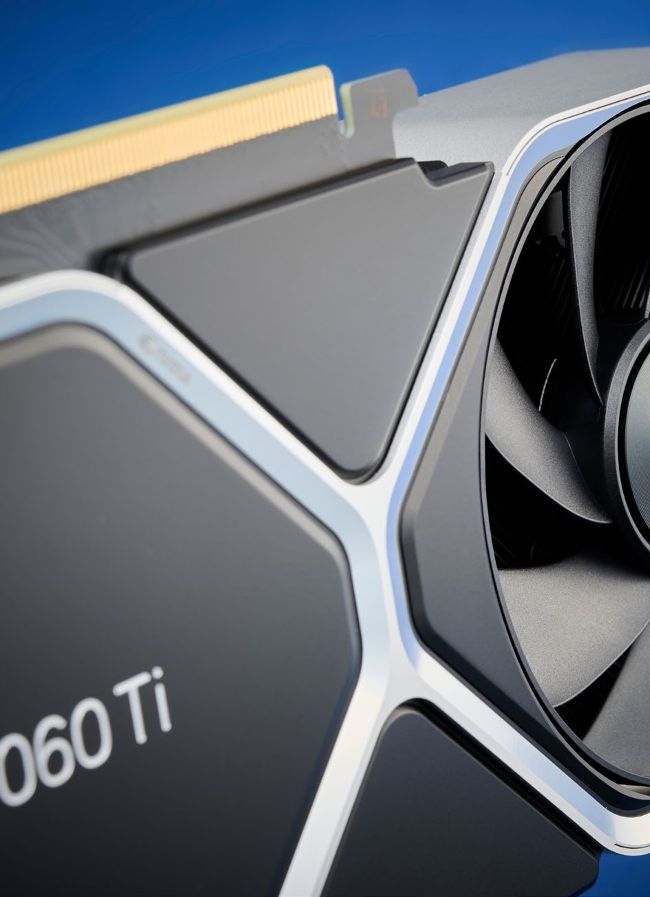
Cards like the RTX 4060 Ti feel increasingly under-equipped, with modern games pushing well beyond the 8GB VRAM barrier.
PC hardware trends upward over time. This is a wellestablished fact from the past four decades of home computers. Whatever you have now, you should expect your next PC upgrade to offer more: more performance, more memory, more storage, more features. Moore’s Law suggested that we might get a doubling in capacity, performance, transistors, etc. every few years, but things have certainly slowed down over the past decade. What does that mean for our modern graphics cards?
The first consumer GPU to ship with 8GB of VRAM was AMD’s Radeon R9 290X back in late 2014. That was the upgraded model; the original R9 290X (and 290) ‘only’ came with 4GB. Nvidia didn’t join the 8GB club until late 2016 with the GTX 1080/1070 launch. Seven years later, we’re at the point where 8GB feels very much like a budgetfocused configuration.
And yet, rather than moving forward, the latest generation of graphics cards seem to be treading water or walking back VRAM configurations, particularly on the Nvidia side. RTX 3060 came with 12GB, yet here we are with the RTX 4060 and RTX 4060 Ti walking backward to 8GB configurations. Many gamers are now wondering how big of a problem that is right now, and what will happen going forward. But there’s a lot more to VRAM than raw capacity, so let’s dig in and look at everything going on with your GPU’s memory subsystem.
HOW MUCH VRAM IS ENOUGH?
The question of how much memory your GPU needs and can effectively use has been around since the very first graphics cards. Way back in the day, Windows 3.1 could only run at 640x480 and 4-bit color on video cards with 256KiB of memory. Cards with 512KiB, meanwhile, allowed for 800x600 resolution with 8-bit color. That’s because the frame buffer required enough memory to hold all the pixels at whatever color depth you wanted.
Modern PCs aren’t just using a single frame buffer, but even the lowliest cards have plenty of memory to theoretically handle at least 4K resolutions with 32-bit color. A single 4K buffer only uses 32MiB, and we haven’t had a new GPU ship with less than 2GB of VRAM since about 2013 (GeForce 700-series and Radeon 200-series). But VRAM stores things besides the various buffers now, and therein lies the concern with not having enough VRAM.
Games are the primary culprit, and besides multiple buffers for all the rendering—at least two frame buffers, a depth buffer, motion vectors, environment maps, and more—the textures used need to reside in VRAM. Well, technically they don’t need to be in VRAM, but accessing textures from system memory can be more than an order of magnitude slower than having the textures in VRAM. If you’re playing a game that tries to access 10GB of textures, buffers, and other data on the GPU and you only have 8GB, you get memory thrashing.
Anything not in VRAM gets pulled across the PCI Express bus, while something already in VRAM gets kicked out to make room. But then that evicted data might be needed, which means something else gets kicked out of VRAM and the other data gets pulled back in. It’s a vicious cycle that can absolutely tank performance. That’s because even the fastest PCIe connection for a graphics card only runs at up to 32 GB/s for PCIe 4.0 on an x16 interface, while a PCIe 3.0 x4 interface would only provide up to 4 GB/s. Even the lowly RX 6400 as an example has 208 GB/s of internal memory bandwidth.