macOS
Master Spotlight in macOS Tahoe
Apple has overhauled the way you find and access files in macOS 26
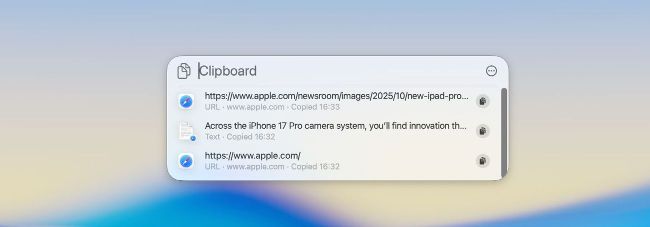
Image credit: Apple Inc
IT WILL TAKE 15 minutes
YOU WILL LEARN How to find apps and files in Spotlight and make use of new time-saving actions and shortcuts
YOU’LL NEED macOS 26 or later
Assuming you’re now running macOS Tahoe, you’ll find that Launchpad – the app which once allowed you to open programs on your Mac – has been replaced in the Dock by a new offering called Apps.
Delve deeper, and you’ll find that Spotlight also incorporates Apps while doing a whole lot more. In fact, you could go as far as to say that Apple has supercharged Spotlight and made it more integral to the macOS experience than ever before, which means real ease of use.