Get creative with colour using curves
Make targeted adjustments to a specific colour’s hue, saturation and lightness
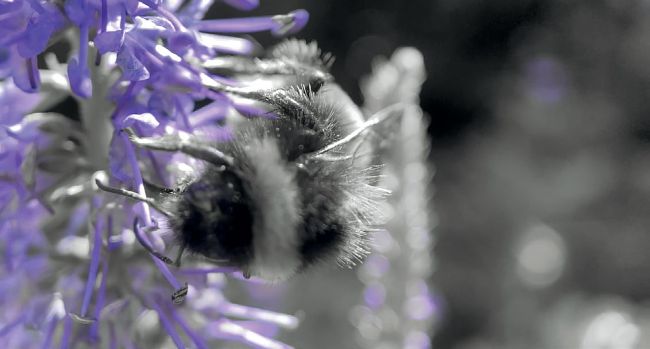
Manipulate points on a curve to selectively saturate specific colours
Video cameras work hard to capture an accurate representation of a scene’s colours. Final Cut Pro’s Color Inspector enables you to boost saturation and tweak tints to fine-tune the look. If you dig deeper into the Effects panel you can produce more creative colour grades, with the Hue/Saturation Curves effect. This powerful tool enables you to use aneyedropper to selectively sample a particular colour in the clip. You can then adjust the position of the control point to lighten or darken a particular colour, change its hue or even produce spot colour effects where only one colour is visible in the frame. We’ll show you how to use this tool to turn blue skies to cyan and darken them to make clouds contrast more dramatically.