Blur the background
Wendy Evans explains how to change the depth of field in telephoto shots using the Lens Blur tool in Lightroom or Camera Raw
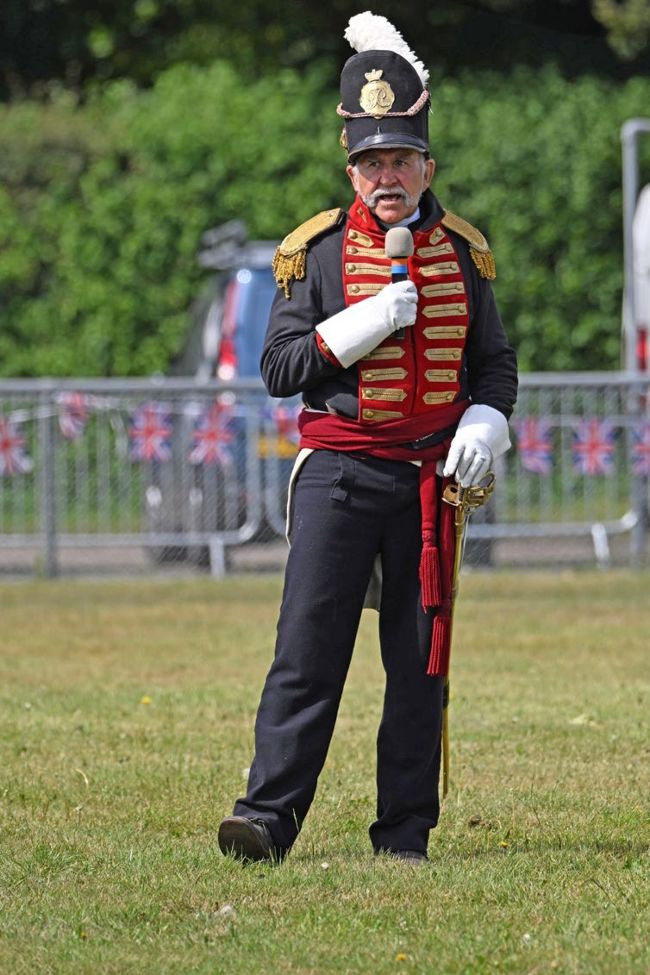
The blurred modern background would be fine if it didn’t clash with the period subject in the foreground.
Before
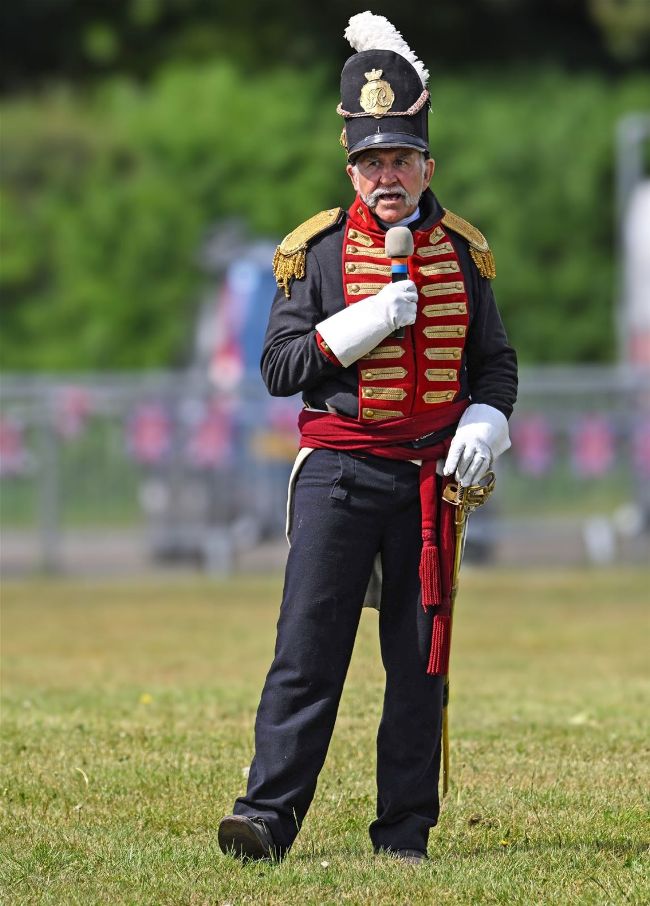
Get Lightroom or Camera Raw to use AI to work out the depth in the image, making it easier to adjust the amount of depth of field you need.
After
If course, we all want a 600mm lens that offers a fast, f/2.8 aperture but affording one O is another matter. I have a 180-600mm lens, but at 350mm focal length, the best it can offer is f/6. As you can see from the shot above, that means that although the background is out of focus, it still conflicts with the figure, because he’s in uniform and the background has modern elements to it. The solution is to mask and blur the background, but producing graduated masks isn’t fun. However, Photoshop’s Camera Raw has a solution that involves using AI to recognise what’s in the photo and then produce a 3D depth map.