Expand your images
Crop outside your frame in Photoshop and discover a clever hack for detailed AI-generated fills with James Paterson
Before
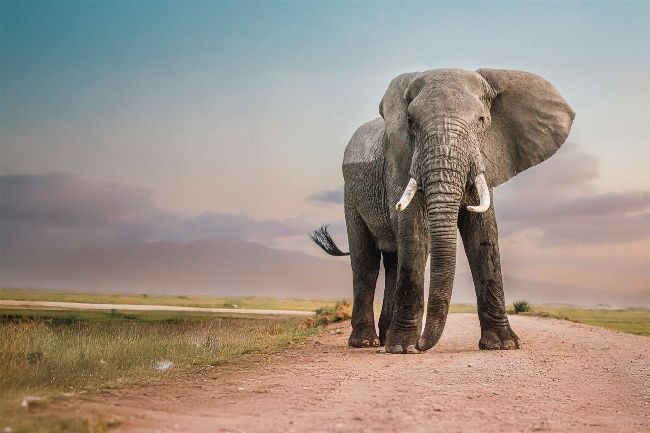
Using the crop tool and AI-powered Generative Fill, we can expand the background of the image and give our subject more space.
After
With all the fanfare about text-to-image generators, there’s one AI feature that can often be overlooked. However, it’s W arguably the most useful AI tool for photographers and one that, even though it employs AI to generate new pixels, somehow doesn’t feel like cheating in the way that prompt generators do. Tucked away in the Photoshop Crop tool settings is the option to crop with ‘Generative Expand’. This allows us to crop outside the original bounds of our image and let Photoshop fill in the area by employing Firefly, its AI generator. For me, this is the most useful implementation of generative AI in any Adobe program.