Order in a border
Wendy Evans demonstrates how to create custom grungy borders in Affinity Photo 2
Wendy Evans
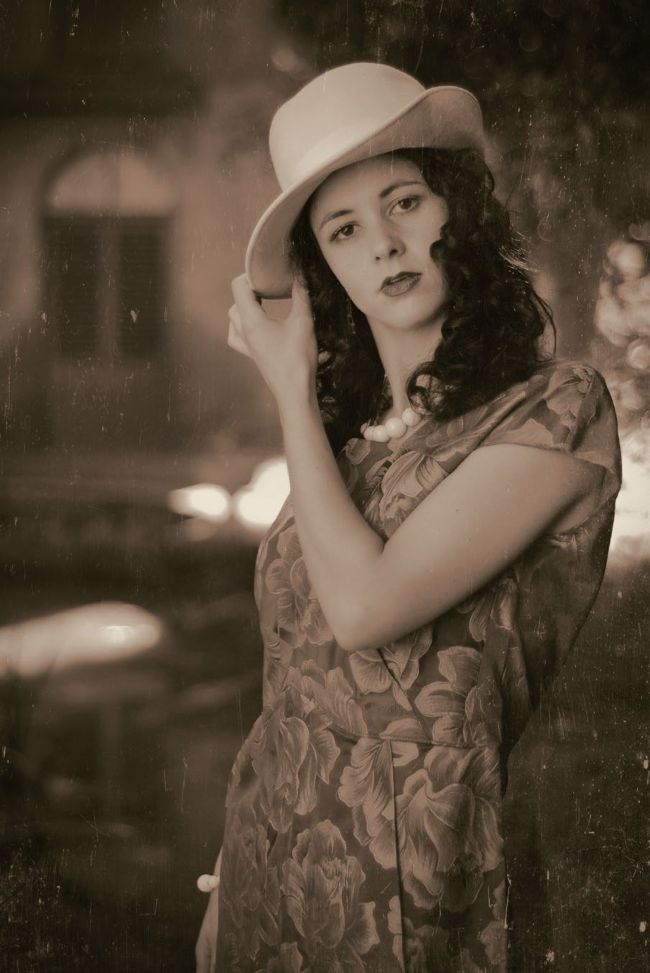
Before
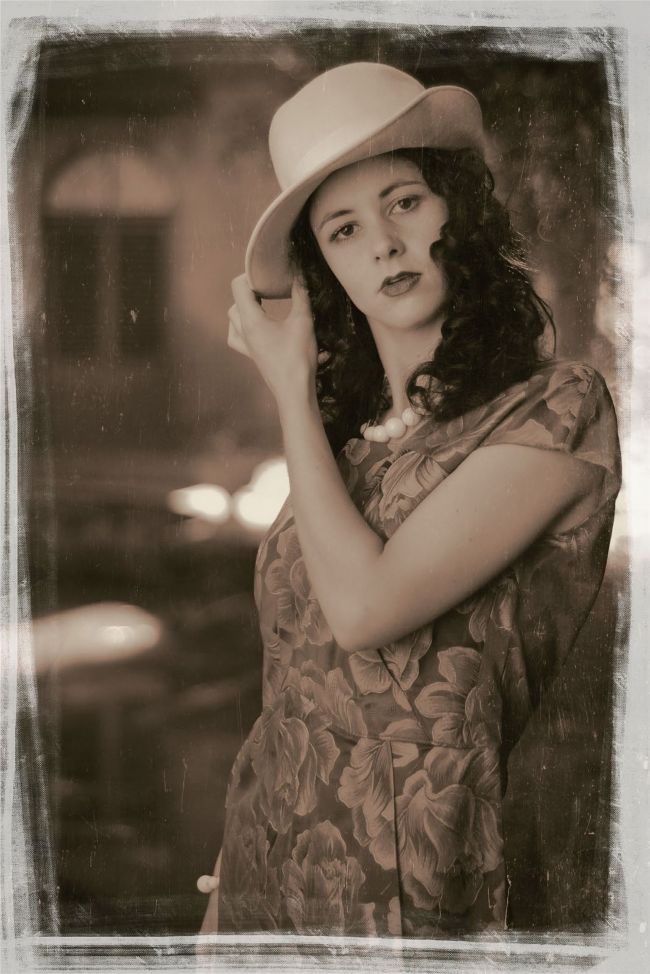
We’ve created a custom border and applied it to a vintage portrait image.
After
Download your files
www.digitalcameraworld.com/dc296 Download your project files and borders from the folder titled ‘Affinity_Custom Borders’.
10 Border images
No video tutorial this month
Project files to follow along
Here’s a fun project for you this month – we’re going to create some funky custom borders H that you can apply to any of your images to give them that finishing touch. The first thing to note is that the default dimensions that you create should be the typical image resolution that your camera captures. It just makes things easier and prevents degrading the quality if you have to resize them. Also, the ones here are in a 3:2 aspect ratio, but if you shoot in Micro Four Thirds format, you might want to do them as 4:3. Don’t worry about making two separate versions for landscapes and portraits because you can simply rotate the border image.