Live distributions
Michael Reed checks out five distros that you could carry around on your keychain to give you Linux goodness at a moment’s notice.
WE COMPARE TONS OF STUFF SO YOU DON’T HAVE TO!
Linux Lite >> EasyOS >> AntiX >> Porteus >>Ubuntu
Michael Reed has been using Linux for so long that he remembers when a live distribution booted from a floppy.
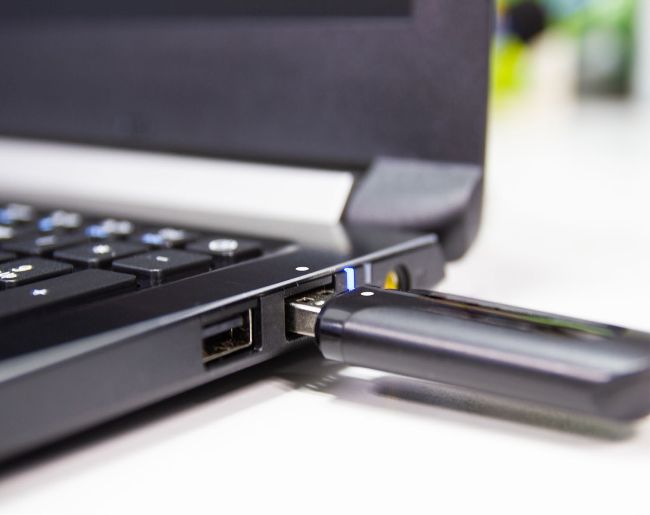
CREDIT: Getty Images/iStockphoto
HOW WE TESTED…
As usual, we tested the distributions on a virtual machine for convenience. But we also wanted to get some insight into how well these distributions worked on genuinely lower-end hardware, so we tested the various flash drives on an old Asus laptop that we thought was typical of the type of older machine to be found in the back of an office cupboard. The specs included a 2.1GHz Intel dualcore CPU and 4GB of RAM; so, we’re not talking superlow specs.
We kept an eye out for problems, but by and large, none of the distributions were slow on this hardware.
We tested all of the common functions in each and every distribution, and these included installing applications, browsing the web, and viewing and playing media. We put each distro into a mode whereby storage would be persistent and changes would be permanent, as we felt that this is the most useful way of using a live distribution. ive distributions are distros that run directly from a medium such as L flash drive without having to be installed on a hard drive. They can give you a fairly complete desktop and loads of full, useful applications. All you should have to do is put the flash drive into an available slot, turn the computer on, and press a key to enable USB booting. Live distros can get you out of a scrape when your system is messed up, and are also an excellent way of showing the uninitiated what Linux is capable of.
The Linux Lite distribution is specifically aimed at providing a desktop, along with documentation for use, which is suitable for Windows switchers. Ubuntu should be familiar to most of you, and we’ve decided to make the installer ISO into a live boot system to see how the mainstream distro stood up to the more specialised distributions in this role. EasyOS is a Swiss army knife of useful tools and unconventional approaches at every turn. Meanwhile, Porteus provides a fairly lightweight desktop and the means to start adding applications that you choose. And last but not least, AntiX is a good allrounder with some useful applications and a clean, attractive desktop.
Default application selection
If all you have is the flash drive, what does that allow you to do?
The Linux Lite app selection is a little heavier than a standard distro loadout, with a few extra tools such as T GIMP and VLC, which are full-fat apps for technically minded users. If this distribution was handed to an average office worker or a home user, they could probably scrape by through a day’s work with it without having to add anything else.
Porteus gives us some basic utilities, such as a file manager and text editor, a media player and a music manager. However, there is no graphical web browser. We understand that this is a fairly bare distro, designed to be expanded and customised, but we would rather have had a browser from the start, rather than a media player. An argument could be made that this could drag in some unwanted dependency cruft, but Porteus has quite a clean expansion architecture for adding and removing software.
EasyOS includes a large selection of apps. Expect to see wellknown tools such as the Chromium web browser, LibreOffice and GIMP, along with a large array of smaller tools that cover areas as diverse as scientific software, a virtual machine manager, graphics tools and video editing. It can feel like an eccentric muddle of lesser-known apps, but EasyOS could be ideal if you don’t have much time or a reliable online connection. The AntiX application loadout is fairly extensive. It covers typical business and home uses, such as office tasks, web browsing and media playback. There is certainly more to the app offering than you would expect from a normal Linux distro, as mainstream apps such as Firefox sit alongside Dillo, a lightweight browser. The selection would get you through a typical workday.