MAKE MAIL WORK YOUR WAY
The Mail app offers more than meets the eye to get all your email accounts sorted. Here’s how…
Written by Adam Banks
Not since the invention of Marmite has anything beginning with M so radically polarised opinion. A vocal minority of users - and they range from newcomers to Apple veterans - dismiss Mail as slow, clunky, glitchy, and all in all the Mac app they’d most like to never use again. Others insist that, like Marmite, they’re unjustifiably salty. Mail works fine for them, and they can’t see any reason to replace it. Except that it would be nice if it did that, and this, and organised things more like so…
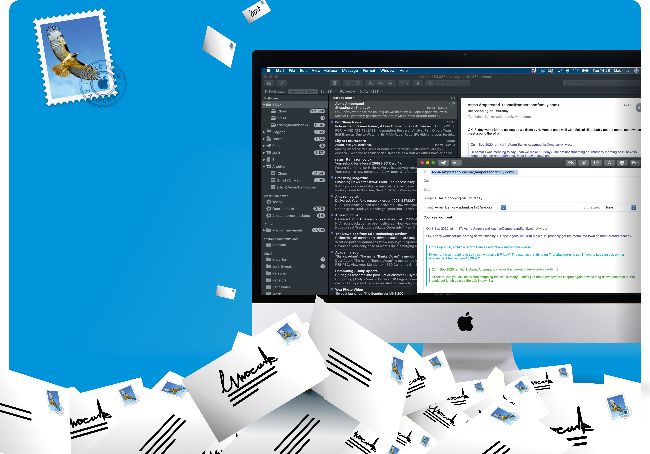
In this feature, we’ll take a tour of Mail’s key features, so you can see if there’s anything you’ve been missing, and then look at some leading add-ons and alternatives. One of our favourite aspects of Mail - aside from the fact that, as part of macOS, it’s just, you know, there - is that it supports just about any email account in existence, so you can get all your work and personal email in one place, including Gmail, Microsoft Exchange, and any other addresses you’ve accumulated over the years and never quite stopped using. Not all rival email client apps can match that. On the other hand, there are some clever tools around to sift, manage and respond to email faster and more flexibly.
First steps: Set up your view in Mail and master your Inbox
The main window is straightforward, but you can tweak it to your taste
M
ail’s left sidebar gathers all of your email accounts into a single Inbox folder, showing all your incoming mail in the list to the right. Click the disclosure triangle to reveal individual accounts, and you can select one to list its incoming mail individually. Each account’s badge shows how many messages are unread, totalled up for the Inbox when collapsed. If there’s a connection problem with one of your email accounts, its badge becomes a lightning bolt; simply click this to check its settings.
Your Apple email address - @mac.com, @me.com or @icloud.com - is added to your Inbox when you sign in to iCloud in System Preferences and tick Mail. To add other accounts, go to Mail > Add Accounts. Gmail, Microsoft Exchange and other services are listed for simplified login, although you may be taken to Safari to enter your password. To add an existing email account with any ISP or a private server, select Other Mail Account.
Your email address and password should be enough to get you set up, but check with your provider if any other settings are required. See details of all your accounts in Mail > Preferences > Accounts. (This is different from Mail > Accounts, which takes you to a System Preferences pane to manage all your cloud services, not just email.)