Parallels Desktop 18
Run Windows, macOS and Linux on a Mac
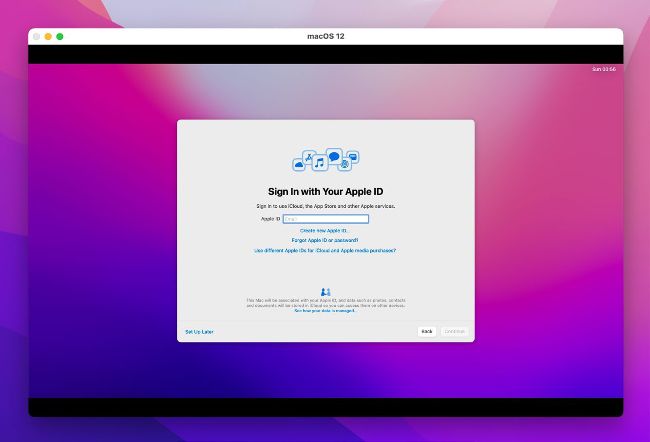
Installing macOS on an Apple silicon Mac invites you to sign in with your Apple ID, but it can’t see it through.
From £89.99; upgrades £54.99 FROM parallels.com NEEDS macOS 10.14 or later, 4GB of memory
Without Apple ID support, Apple silicon Macs can’t run most App Store apps in macOS virtual machines
Ayear ago, Parallels delivered the first virtualisation app to make full use of Apple silicon Macs, including Monterey virtual machines (VMs). Five new Mac models later, including the first M2 Macs, Parallels Desktop 18 remains the only commercial app to run macOS as a guest on those Macs.
Unlike open-source rival UTM, Parallels can’t emulate different architectures: it runs ARM guests on Apple silicon Macs, and Intel x86 guests on Intel Macs. On Apple silicon Macs, this new version continues to virtualise Windows 10 and 11 for ARM, four Linux distros for 64-bit ARM processors, and macOS from Monterey onwards, but not Big Sur. On Intel Macs it will virtualise Windows from XP and earlier to 11, almost any Linux distro using Intel kernel 2.6.29 or later, macOS from 10.7 to 13, and a few others including Solaris, BSD and a special version of Android.