Photoshop Elements 2022
Use the app’s latest tools to create eye-catching clips and stills
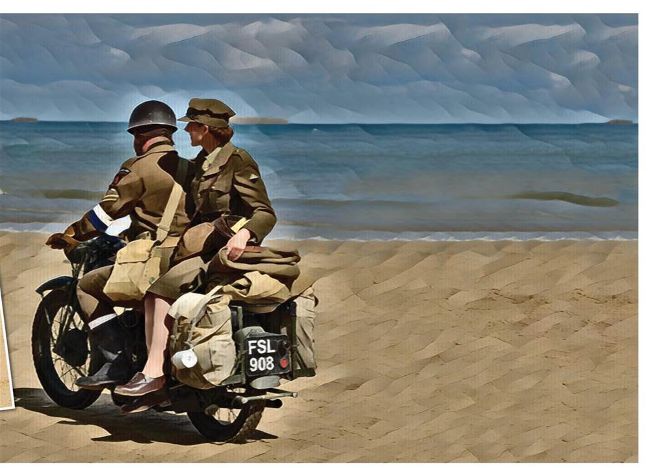
AFTER

BEFORE
IT WILL TAKE
> 15 minutes
YOU WILL LEARN
> Animated overlays, portrait to landscape and AI effects
YOU’LL NEED
> Adobe Photoshop Elements 2022, macOS 10.15 or later
Sometimes a shoot can produce disappointing results. For example, when snapping a child blowing dandelion seeds you may fail to capture enough floating seeds. Photoshop Elements 2022’s new Animated Overlay tool enables you to bring static shots to life by adding floating particles (including dandelion seeds). You can even modify the particles to float in front or behind the subject as we’ll demonstrate. Photoshop Elements caters for the fact that many photos will be shown off on sites such as Instagram or Twitter. It now makes it even easier to export your edited shots in shapes and sizes that will make them look their best on social media feeds, as we’ll demonstrate when looking at the new Extend Background Guided Edit.