HOW TO MAKE YOUR smart assistant smarter
Fix issues and get more from any smart assistant
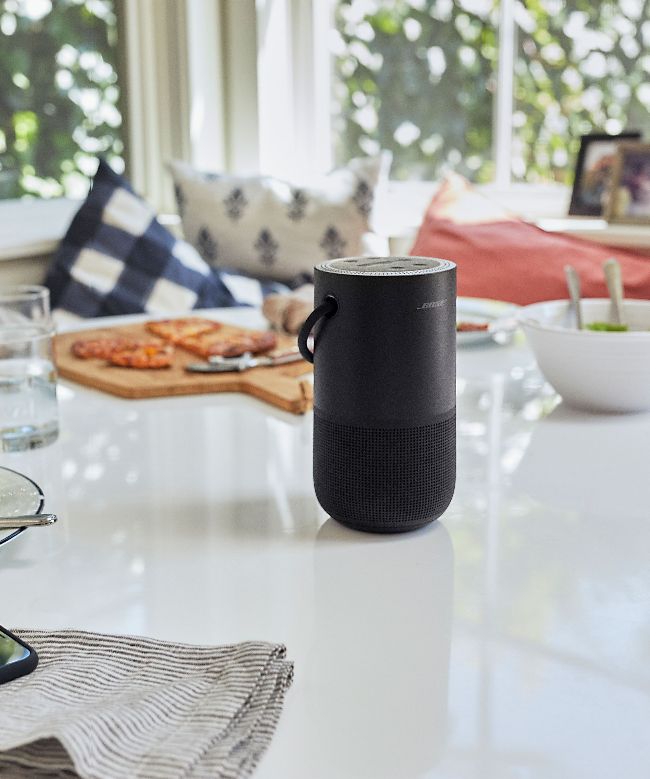
If you’re smart, your smart speaker can offer up tunes, facts and all the rest when you’re in the garden.
Every smart assistant, like every computer platform, is different in its own way. Your Mac is not the same as someone else’s Windows PC or Linux box; although they share a vast amount in terms of concept and design, while they might use some of the same components or even (technically) some of the same underlying code, they are distinct. They’re powered by very different engines, they have different levels of knowledge available to them, they have different hardware makeup and methods of connectivity. But one thing does tie Siri, Alexa, Google Assistant and minor assistants like Bixby and Cortana together: they can all be as dumb as a box of frogs when they feel like it.
Say what?
Whichever platform you’ve staked your claim on, whether it’s Siri or not, there are things you can do to improve both your AI assistant’s ability to listen and its ability to deal with what it thinks it has heard.
If you use discrete hardware to talk to them - an Amazon Echo, Apple HomePod or Nest Home device, for example - you should be careful about where that device is positioned in the room. These tend to use an array of far-field microphones to listen for their wake word, but if they’re not catching the sound correctly they may well miss (or at least mishear) what you’re trying to say.
Begin by shifting the unit away from the wall slightly, so that they’re not catching too many echoes from nearby walls; this can also fix any network connectivity issues you might be having. Make sure there’s no noise in the vicinity that could drown out the sound heard by those microphones; fans, open windows, air conditioners and the like can block an assistant’s ears significantly.