Digitise any audio
Capture any audio from inside or outside your Mac with Audio Hijack 4
IT WILL TAKE
➤10 minutes
YOU WILL LEARN
➤How to record audio on your Mac, how to schedule a recording, how to route audio
YOU’LL NEED
➤Audio Hijack 4, $77 (about £76, rogueamoeba.com), macOS 10.14.4 or later, an internet connection, an external audio source
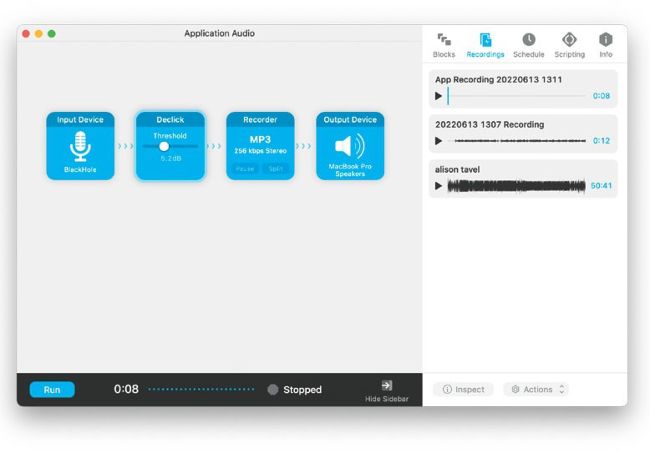
The Recordings tab lets you play back captured audio. By ≈-clicking you can perform additional actions on tracks.
Audio Hijack is an app that’s able to intercept any audio stream on your Mac from a hardware source like your microphone or a record player and also from any application or from macOS itself. Using a clever system of configurable drag-and-drop blocks, it lets you route one or more sources through a virtual recorder, capturing the sound to a digital audio file. You can even add effects like noise reduction, add multiple recorders for compressed and uncompressed recording, and schedule recordings to begin at specific times.