Do more with Contacts
Adding new contacts is just the start. There’s a great deal more on offer
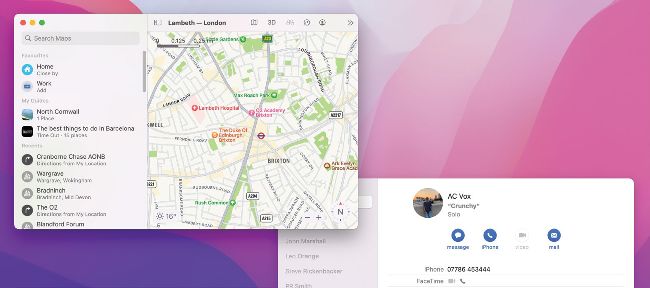
Contacts works seamlessly with other stock Mac apps, like Calendar and Maps.
ONCE YOU’VE MASTERED the basics in Contacts, there’s plenty more you can do. As well as messaging, calling or emailing contacts from within the app, you can share contacts, show their address on a map, or see their birthday in the Calendar app.
Contacts also enables you to print an address label from within the app, or create a PDF for printing later — by combining Contacts with the macOS ‘Save as PDF’ print dialog.
When it comes to editing existing contacts, you can add profile photos or other pictures to their card, and you can create fields for adding entries such as website or social media URLs — making it easy to find them on platforms like Twitter.