Make kids’ devices safer
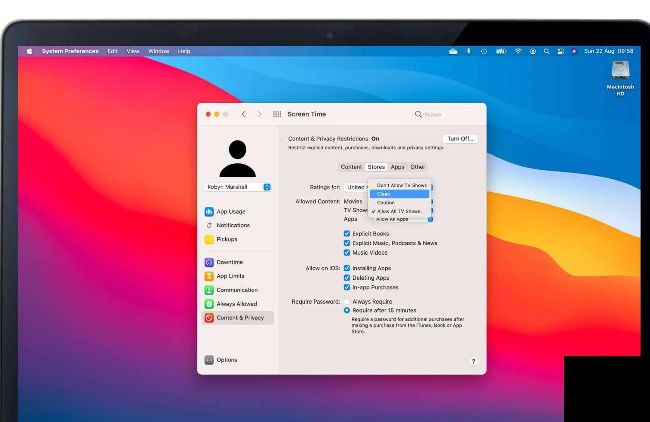
Content & Privacy allows you to set age–appropriate content limits for all your family accounts.
AS PARENTS WE know just how much kids love Apple devices — and unfortunately we’re also well aware of the problems that can cause.
Hands up if you’ve ever had to hide the family iPad, changed the Wi-Fi password without telling the kids or discovered an inappropriate item or app on a family device? Us too, which is why Screen Time is so useful when you’ve got Family Sharing set up.
Screen Time enables you to set per–person restrictions and time limits, and as we’ll discover it has lots of useful options that give you a great deal of control over your children’s Apple experience. Use it to encourage better bedtimes by setting time limits on apps. You can use it to block certain kinds of communications or disable apps. And you can apply restrictions so the kids can’t witness stuff that isn’t age–appropriate when they’re using Apple’s own apps and the App Store.