BACK UP YOUR OLD PC
Moving from a Windows machine to a Mac? Here’s what you should know
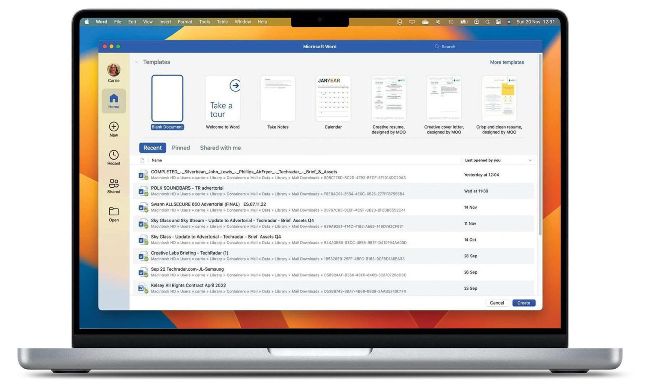
Image rights: Apple Inc, Microsoft Corporation.
WINDOWS PCS AND Macs run completely different operating systems, so there’s always going to be some adjustment when it comes to moving from PC to Mac. But it’s easier than ever before to move your essential documents, photos, and files from one to the other.
In many cases you don’t need to move anything. If your email is Gmail, your messages aren’t stored on your computer; they live in the cloud, and you can access them in Safari just as you did in Edge. You can also add Gmail to the Mail app on macOS by going to Mail > Add Account. It takes about one minute. It’s the same with Google Docs and other cloud– based services.
One of the biggest
differences when you move
from a Windows PC to a Mac
is that not all of the apps are
the same. However, that’s
much less of a problem than
it used to be: all the key apps
such as Edge, Chrome,
Firefox, Steam, Microsoft
Word, Outlook, PowerPoint
and so on are also available
on the Mac. Although you
can’t usually transfer the
license for a paid PC app
to a Mac one, there are
exceptions: if you’re an
Office 365 subscriber, go to
office.com/myaccount on
your Mac and look for Install >
Install Information and
deactivate your Windows PC.
You can now install Office on
your Mac and use the same
license. Similarly with Adobe Creative Cloud, your subscription is linked to you, not your computer.