SETTLE INTO YOUR NEW MAC HOME
Now it’s time to get Mail, Music and Messages going
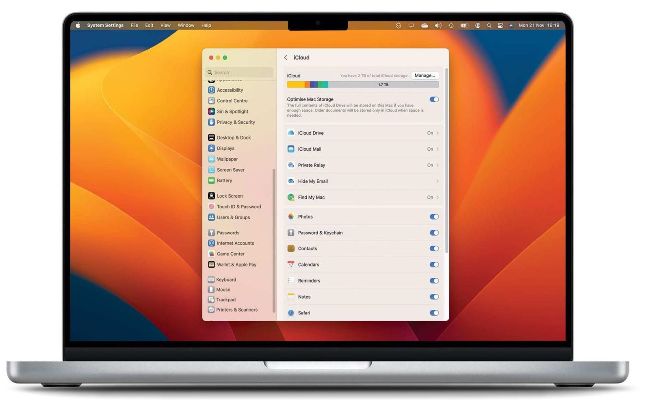
If you’re already an iCloud user, well done — all your important settings and data such as calendars will be synchronized with your new Mac.
FOR THOSE WHO’VE used Apple’s Migration Assistant to move everything from an old Mac to a new one, all your apps, customization and settings should have migrated too — so you’ll have the correct account details in Mail, your purchased content in iTunes or Music, and messages up and running.
If you’re already a Mac user, chances are you’re using iCloud for a lot of things: synchronizing Safari bookmarks and settings, contacts, calendars, and passwords stored in Keychain. You may be using iCloud Drive and iCloud Mail too. If you are, great; as soon as your new Mac is logged into iCloud, it should start synchronizing all of that data.