Feature Print your photos
Purchases and subscriptions
GET STARTED WITH
Whether it’s renting movies, streaming music, or buying books, you can get it from Apple
WRITTEN BY KENNY HEMPHILL
Image rights: Apple Inc.
THE LAST COUPLE of decades have seen Apple transition from being a maker of hardware and software, into a full–blown media company that secures distribution deals for movies and buys screening rights to major sports leagues. Since it started selling music downloads in 2003, Apple has added movies and TV shows to rent or buy, books, magazines, streaming music, streaming TV shows and movies, games and, of course, apps. Most recently of all, it’s entered the realm of Peloton and the like by enabling you to subscribe to exercise classes through Apple Fitness+.
All of these can be bought, rented or subscribed to from your Mac or iOS device. But the way in which you do so, and just as importantly, the way in which you cancel a subscription, is not always obvious, so over the next few pages we’ll take you through how to do just that for all the content Apple provides. Whether you want to buy a movie or ebook, subscribe to a premium podcast, or sign up for Apple Music, here’s how…
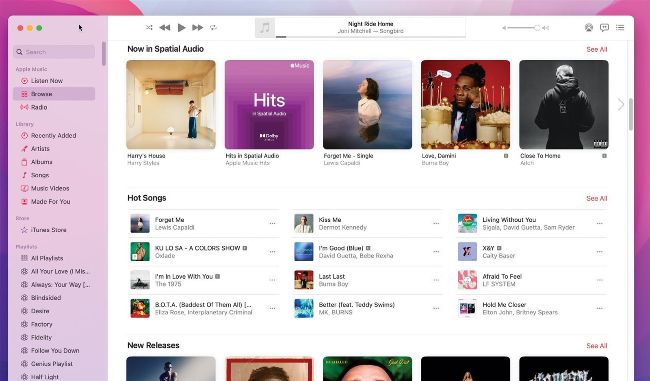
The iTunes Store lives on in the Music app on the Mac and its own app in iOS.