DOCTOR
THIS MONTH THE DOCTOR TACKLES...
> Video Transcodi
> Locked Out Of BIOS
> Failing USB Ports?
Plex Transcoding
I recently opened up my Plex server running on a QNAP TS-251+ to a few friends to discover that transcoding does one of two things: If I enable hardware transcoding, the video frequently looks blocky and pixilated, but I can stream to multiple clients with no problems. But if I disable it, only one person can watch a transcoded stream without overwhelming the server. What can I do to improve the quality over hardware transcoding?
–Phil West
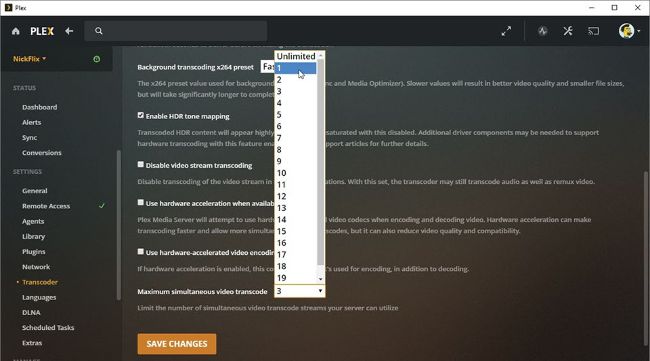
Hardware transcoding works best with later-generation graphics.
© PLEX
THE DOCTOR RESPONDS: The problem here is your QNAP’s Celeron J1900 processor. Although it supports hardware transcoding through QuickSync, the processor’s onboard GPU is based on the old Ivy Bridge generation of Intel HD graphics. These are known for the poor quality of their transcodes, so the only way around this is to either minimize or eliminate transcoding from your machine (dig out your copy of Maximum PC Dec 2019 for a guide to doing just that) or upgrade your NAS.
You could opt for QNAP’s TS-251D series ($300 with 4GB RAM), which is powered by a dual-core J4025/J4005 Celeron processor sporting Intel HD Graphics 600—it’s this 6th-generation chip where QuickSync finally delivers good-quality hardware-transcoded video. Or build your own NAS-like system around an embedded micro-ITX board sporting an Intel Gemini Lake processor, such as ASRock’s J5040-ITX ($119.99). The Pentium Silver J5040 is quicker than the