CUSTOM PROFILES
Profiles in action
Project five: Adobe CC
James Paterson demonstrates how to create your own custom image treatments to transform the look of any photo

BEFORE
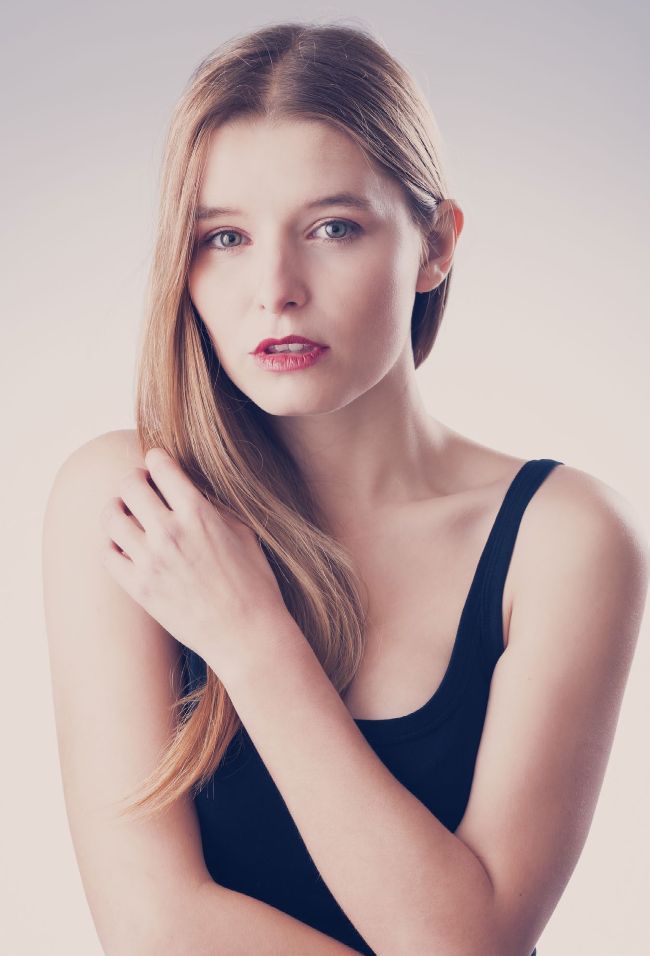
AFTER
The Mission
– Make your own custom profiles in Camera Raw
Time
– 15 minutes
Skill level
– Beginner
Kit needed
– Adobe CC
VIEW THE PROJECT VIDEOS ONLINE
www.bit.ly/NPhoto123
Profiles are one of the most useful features in Photoshop and Lightroom. Essentially they are a set of looks that you can use to kick-start your editing or try out different tonal effects on the fly.
They’re applied to your image using the Profile Browser, which is available in both Photoshop’s Camera Raw plugin and in Lightroom. Not only can you make use of the 50 or so built-in profiles on offer, you can also create your own custom profiles. So you can save different treatments to instantly apply to any photograph you like.