EOS S.O.S
Update your camera for free
FIRMWARE UPDATES
How a free firmware update improves your camera’s capabilities
Ask Brian!
Confused with your Canon DSLR?
Email EOSSOS@ futurenet.com
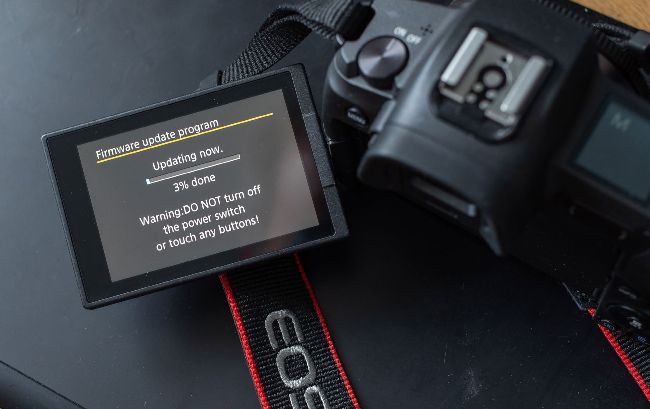
Updating the firmware is straightforward and takes just a few minutes to enhance your camera’s operation
I t’s time to explain why you should be checking your cameras, lenses and accessories to see if there’s an update for them that you can apply to improve performance of capability.
Inside most modern electronic goods there’s firmware, the software that makes the hardware work in the way the manufacturer determined. Often during the life of that product the firmware gets updated to add features or fix bugs. Say you bought an EOS 5D Mark III in 2012, then in 2014 you buy the just announced EF 100-400mm f/4.5-5.6L IS II USM lens. Out of the box all works just fine, so you add an Extender EF 1.4x III, but there’s no AF as the combination of lens and extender has a maximum aperture greater than f/5.6. But what if Canon made a firmware update for the EOS 5D Mark III that enabled AF with the centre AF point even at f/8? Well actually they did with firmware 1.2.1 in April 2013.
The original EOS 7D had a big update that increased the number of images that could be shot in continuous shooting, supported larger memory cards and provided in-camera Raw processing. More recently EOS R series cameras have had updates for focus, movie shooting and improved operation. Lenses and some accessories can have firmware updates too. There’s only a few EF, EF-S and EF-M lenses with updates, recently the EF 100-400mm f/4.5-5.6L IS II USM had an update to fix a phenomenon where IS may cause the image to jump.