Move to a new Mac
Settling in to your new Mac home
You’ve found the coffee and sugar, now you need to get Mail, Music and Messages up and running. But how?
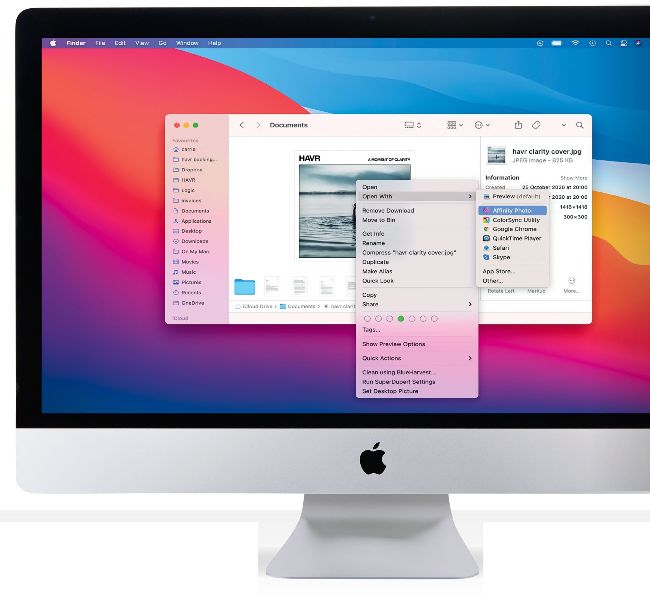
If you migrate manually, you might have to change some file associations. Here we’re telling Finder to open images in Affinity Photo.
FORTHOSE WHO have used Migration Assistant to transfer some or all of your things, happy days! Logging in and using your new Mac should be just like the old one, but even faster and more efficient. But while Migration Assistant does a great job of copying from one Mac to another, there are some things it can’t do. That’s one reason why you shouldn’t erase or get rid of your existing Mac until you’re sure you have absolutely everything you need — something we've learned the hard way!
As with any Apple device, when you use your new Mac you’ll be asked to sign into iCloud. If you’re coming from another Mac or have other Apple devices using iCloud it will take care of the essential stuff such as your contacts, your Keychain for passwords, your calendar and so on. In order to use an existing iCloud account with a new device, you’ll need to authorize it from another device: your old Mac, perhaps, or iPhone or iPad. This will give you an authorization code to enter.