OPTIONS FOR 3D SCANNING
Is this the future of model creation?
WORDS BY PAUL HATTON
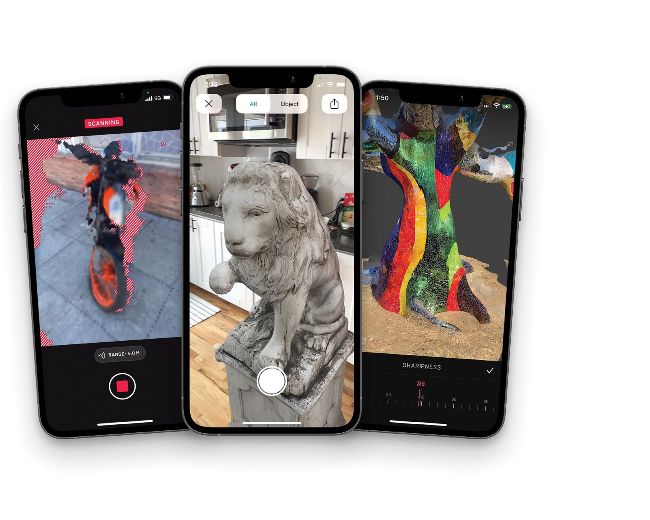
The push to bring 3D scanning to the general public has seen Niantic create the Scaniverse app
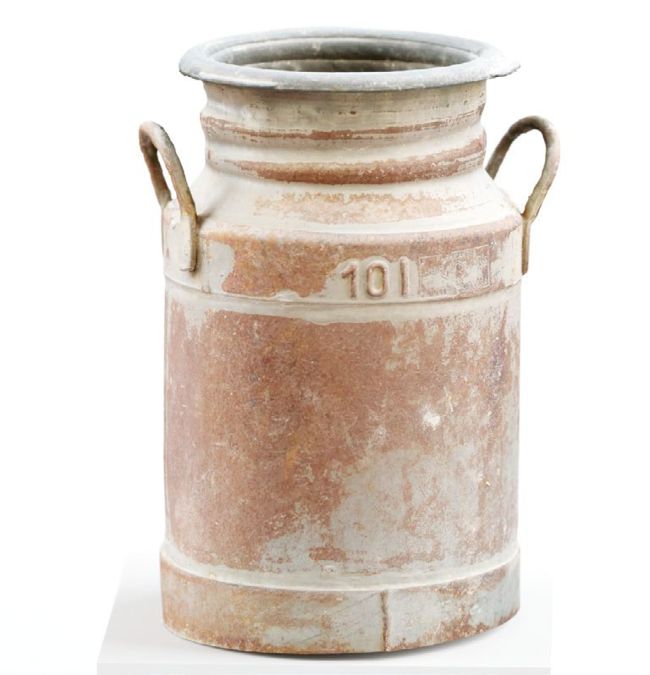
KIRI Engine uses photogrammetry to capture objects that are then exported to external servers for models to be made
T he process of 3D scanning involves collecting information about a real-world object or environment for the purpose of recreating a digital 3D version. There are a range of options for capturing this data including photogrammetry, laser scanning and contact-based technology. Each option has advantages as well as disadvantages and artists must choose the right option for them.
Photogrammetry is one of the most widely accessible options for many artists because the only piece of hardware required is a smartphone or digital camera. By taking a sequence of photos around an object, photogrammetry software is able to stitch the photos together and create 3D point clouds and 3D meshes. This is one of the easiest options to pick up without any prior 3D scanning experience.
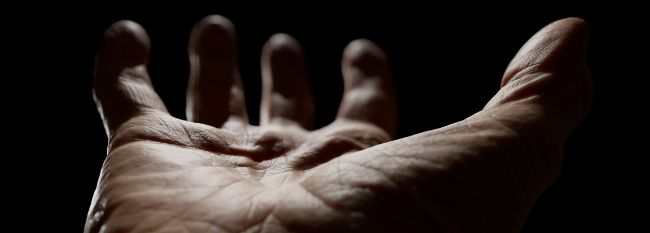
The growth of scanning has allowed 3D Scan Store to offer a wealth of stock models and textures
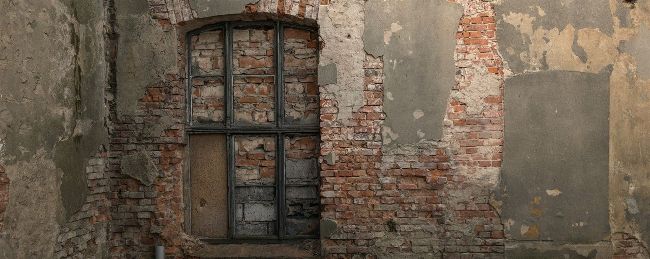
These highly accurate raw scans were created by Michal Mierzejewski
As this is photo-based, you’ll need to determine, ahead of time, the resulting level of detail you require. For example, an object in the background will require a lot less detail compared to a ‘hero’ object, which could require hundreds or even thousands of photos to ensure an accurate re-creation. Despite the simplicity of this technology, the output is dependent upon the quality of the images taken. Making sure photos are sharp and taken with a good camera will help to ensure accurate results are achieved.
“MAKING SURE PHOTOS ARE SHARP AND TAKEN WITH A GOOD CAMERA WILL ENSURE ACCURATE RESULTS”
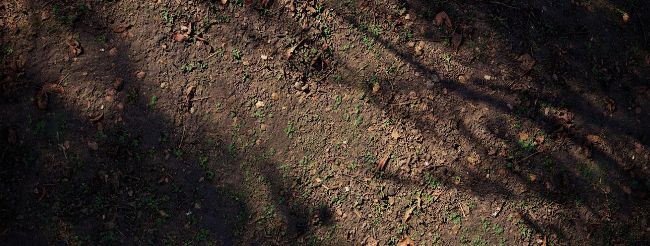
Intricate details and colours are capable of capture, enabling photo-realistic images such as this piece from Jason Ord