Answers
Got a burning question about open source or the kernel? Whatever your level, email it to answers@linuxformat.com

Neil Bothwick solves Linux queries as a form of meditation.
Q Really big numbers
I’m fairly new to Linux and run Linux Mint 21 on my desktop. Every time I try to open an XLSX sheet that I have either been sent or downloaded, I get the error message below:
Warning loading document abc.xlsx The data could not be loaded completely because the maximum number of columns per sheet was exceeded
Is there a way to overcome this or know what has been lost, if anything?
Ian Madley
A Looking at the sample sheet you sent, which produced no warnings in LibreOffice 7.6, there are no sheets with large numbers of columns. The column limit in LibreOffice was 1,024 up until version 7.3. From LibreOffice 7.4 onwards, the column limit was increased to 16,384, so you are unlikely to hit this.
We have seen this behaviour in the past, but not recently. It appears to be a combination of the way Excel saves the information in the files and the way LibreOffice reads it, leading LibreOffice to think there are more columns than there really are. As long as your XLSX files do not include insane numbers of columns, you are safe to ignore this warning, as annoying and alarming as it may be. Saving the file from LibreOffice should prevent the message appearing again. Linux Mint 21 currently includes LibreOffice 7.3.7.2, which has the lower column limit, but still within the needs of your files. So, it is a matter of waiting for updates to install a later version without this issue. If you find it really annoying, you could uninstall LibreOffice from the Mint software manager and install a direct download from LibreOffice.org, but that is a course of action that we do not recommend. The software manager makes sure everything on your system works in harmony; installing packages outside of this system can cause problems, especially for a fairly new user.
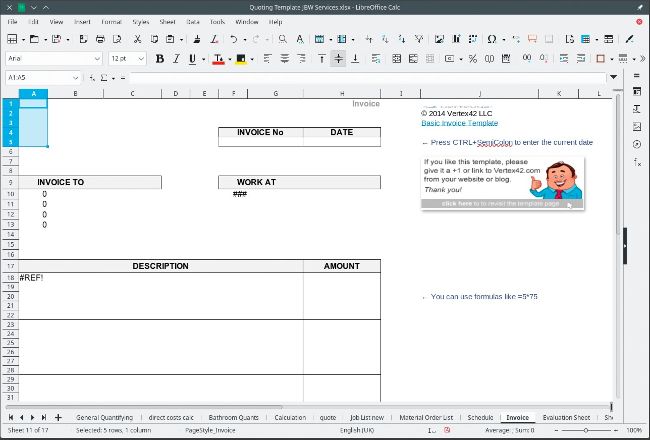
Not an especially large spreadsheet, but some versions of LibreOffice seem to think it is.
Q Unlocking the keys
I have one problem, for which I can not find a good solution. On a remote server, I’m forced to create SSH keys that need to have a password entered at the client side before connecting. I’m aware that this protects access to my remote server. But I would like to run nightly Cronautomated copies using Rsync. Usually I use Chiefs to mount a remote server, but also let Rsync directly use SSH – it depends. I’ve been doing this for ages now, but never with password-protected SSH keys. I tried something like this to use SSHFS: