Essential Apple User | iPhone iOS 14 Guide
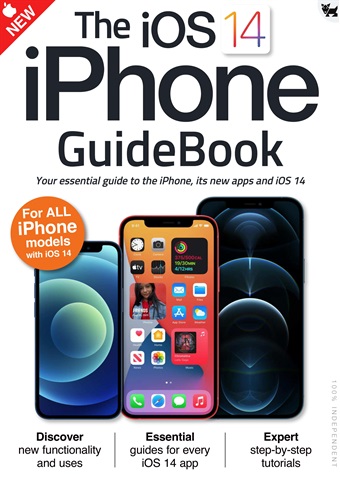
iOS 14 brought some great new features to your iPhone!
The user interface is much more compact, with Siri and phone calls now taking up much less space on the screen. There’s a great new Translate app for holding conversations in a wealth of different languages and Picture in Picture lets you continue watching your videos while you use your iPhone for other things. The Home screen has had a huge makeover, with on-screen widgets and a useful App Library and the ever-popular Messages app has had an overhaul, with pinned messages, some great new emoji designs and a revamped group messages feature.
Over the following pages we’ll show you how to get to grips with iOS 14, its apps and its features. The basics such as the keyboard, touchscreen gestures and the Home screen are covered, as are the wealth of bundled applications or apps. Then we go on to its more
advanced features like Siri, Find My and iCloud.
mehr lesen
weniger lesen
Als Abonnent erhalten Sie die folgenden Vorteile:
• Ein Rabatt auf den UVP Ihrer Zeitschrift
• Neue Ausgaben werden am Erscheinungstag auf Ihr Gerät geliefert
• Sie werden keine Ausgabe verpassen
• Sie sind vor Preiserhöhungen geschützt, die später im Jahr eintreten können
Sie erhalten 6 Ausgaben während eines 1-Jahres Essential Apple User Zeitschriftenabonnement.
Hinweis: Die digitalen Ausgaben enthalten nicht die in den gedruckten Exemplaren enthaltenen Umschlagseiten oder Beilagen.
Artikel in dieser Ausgabe
Im Folgenden finden Sie eine Auswahl von Artikeln aus Essential Apple User iPhone iOS 14 Guide.