MAKE A TREASURE MAP IN GAEA
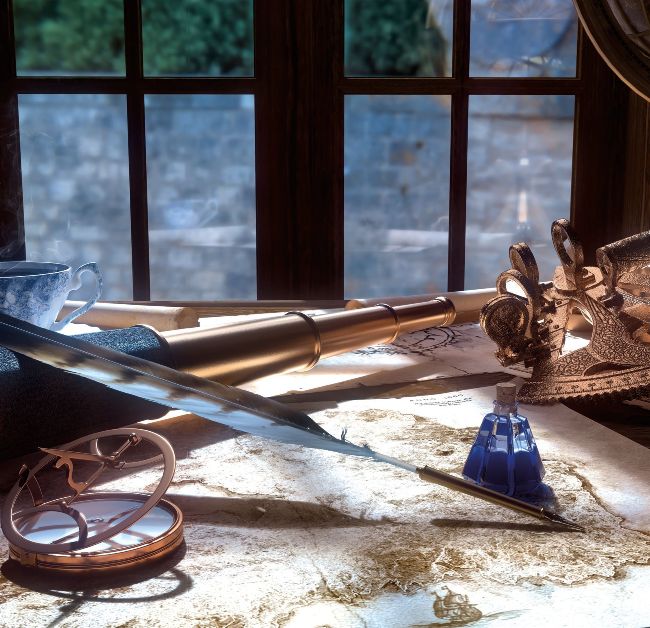
Make a treasure map in Gaea
AUTHOR
Cirstyn Bech-Yagher Cirstyn has moved from Radeon’s ProRender to the RizomUV team, where she does product management as well as modelling, UV mapping and tutorial writing. cirstyn.com
You've seen Nathan Drake hold one, and Arthur Morgan draw doodles on his. Maps are a staple in game art, not only as part of the UI but also as hero props, treasure maps or placeables, helping to drive the narrative. And that's what we're going to create here with Gaea.
First, we'll procedurally generate a terrain and its features, mixing and blending GeoPrimitive, LookDev and Water nodes, before we let Erosion do the heavy lifting into a terrain which we'll turn into a map using the Cartography node, complete with a detour through portals to add textures before building and exporting it all via Output nodes. Once exported, we’ll add some finishing touches to the Cartography export in Photoshop (or your image editor of choice).
When working on a map, it’s worth noting there are a few rules of nature and worldbuilding worth remembering. Lone mountains are generally an anomaly unless you're creating a (sleeping) volcano. Mountains are created by tectonic plates pushing against each other, mixed with volcanic activity. And the sheer scale and pressure of these means we get mountain ranges, not standalone peaks. Even a seemingly lonely mountain will have a mountain range in its vicinity. If you’re creating a river, water will always follow a downward path of least resistance mixed with the pull of gravity. That also goes for rivers running down from lakes with an underground water supply. Also, rivers don't split. They may join, but they generally don't split. A delta is created by the build-up of sand, sediment and other detritus it met along its journey, so it's built from deposits changing the flow of the water, not a river splitting in two. There are no rules without exceptions, of course, but sticking to these basics will help you lookdev your map and terrain.