ICloud Photos
With iCloud Photos, you can keep pics stored and synced across devices
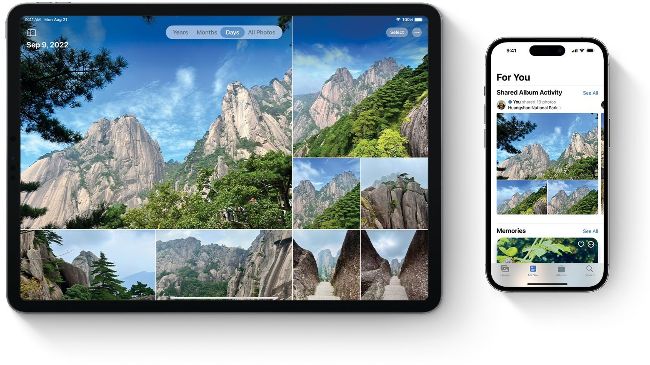
With iCloud Photos, you can sync your pics and view them online too.
Previews or full sized images
You can save storage space by keeping previews on your local devices. On a Mac, open the Photos app and in the Photos menu, choose Settings/ Preferences. In the iCloud tab, choose Optimise Mac Storage. On mobile devices, do this through Settings > [your name] > iCloud > Photos and choose Optimise [Device] Storage.
With iCloud Photos, you can sync your photographs and videos across all your Apple devices, store them in the cloud and access them from any device with a browser at iCloud.com. This means, for example, if you take a picture on your iPhone, it automatically appears on your iPad and Mac. Any edits you make to individual pictures or videos are reflected on your other devices too. You can also enjoy your media in the comfort of your living room on Apple TV. When you delete a photo or video from iCloud Photos, it’s deleted on all your devices – but if you delete something accidentally or change your mind, you can recover it from the Recently Deleted folder. After deleting a photo or video, it’s stored in this folder for 30 days, after which it’s gone forever.