Manage windows with Warp
Save custom layouts and launch them with a keyboard shortcut
IT WILL TAKE 5 minutes
YOU WILL LEARN How to arrange and save window layouts using Warp
YOU’LL NEED
Warp (£8.99), macOS 12 or later
Warp works with Split View, spans across multiple monitors, and persists across restarts
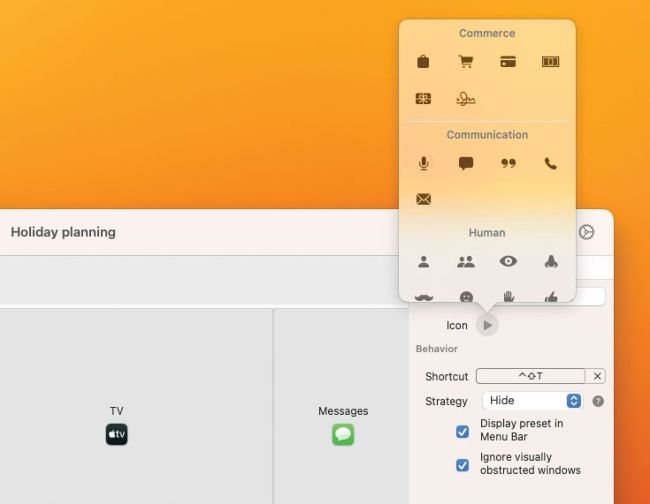
Warp has a few handy customisation options, such as assigning icons and dictating how other apps will behave.
If you’re a Mac power user, you’re probably a little dissatisfied with Apple’s own window management tools. Sure, there’s Split View and a few options accessed from an app’s green traffic light button, but there’s not much customisation to be found. You’re basically stuck with the limited options Apple gives you.