Navigate your notifications
Discover the way notifications now work on your Lock Screen in iOS 16
APPLE SKILLS iOS software
IT WILL TAKE 20 minutes
YOU WILL LEARN How to customise the way notifications are displayed
YOU’LL NEED iOS 16
Genius tip!
Turn off previews for Messages notifications when your phone is locked to prevent thieves seeing two-factor authentication codes.
One of the most striking new features in iOS 16 is the new Lock Screen. You can customise it in lots of different ways, including by adding widgets, and also create multiple Lock Screens so you can easily switch between them.
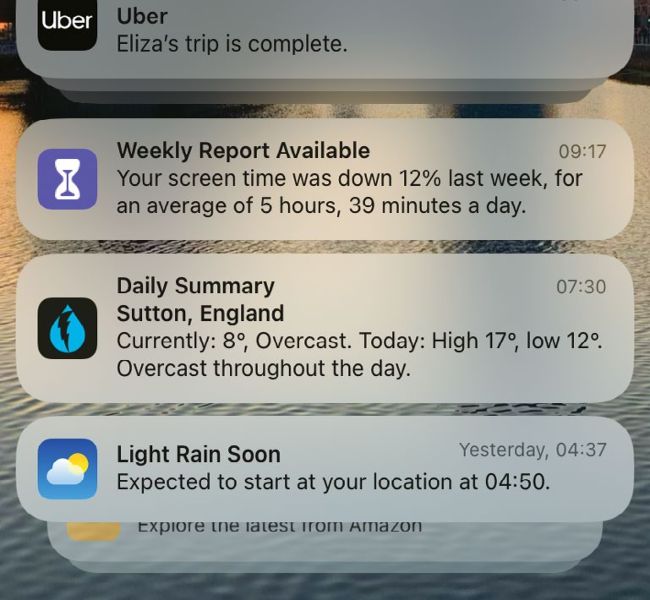
Notifications now slide up from the bottom of the screen instead of sliding down from the top.