Networking
We help to solve your Wi-Fi woes and connection conundrums
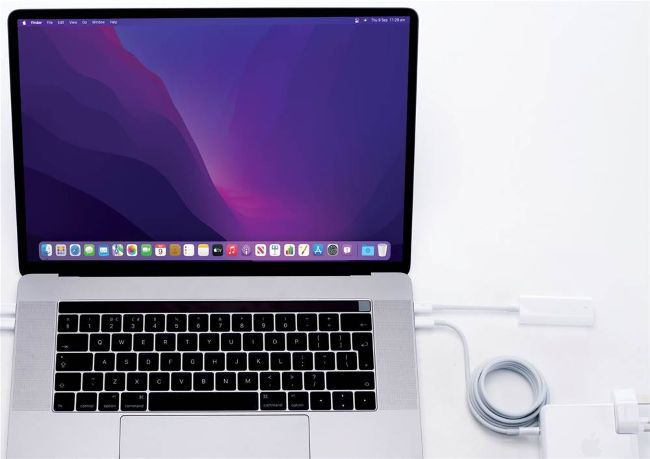
Connecting file servers, whether Macs or NAS, by wired Ethernet rather than Wi-Fi should help improve their performance.
Slow backing up over the network
Q I’ve set Monterey’s Time Machine to back up my MacBook Pro wirelessly to a shared disk on my Mac mini, which also connects wirelessly to my Wi-Fi router. How can I get backups to run faster, as they’re taking an age? by SCOTT CRAIGIE
A If both Macs are connecting over Wi-Fi, then this will significantly reduce the speed of transferring the files in a backup between them, as both Macs are contending for the same wireless connections with your router.
If you’re going to use a shared disk or a network-attached storage (NAS) system for Time Machine backups, then you should connect it to your router using wired Ethernet, as that will improve transfer speeds considerably. The very fastest are achieved when the Mac backing up is also hooked up by wire, something worthwhile for large initial backups and other special occasions when there’s a lot to be transferred.