GENIUS TIPS macOS
Quick-fire questions macOS
How to recover Recovery
Shine a spotlight on the solutions to your most irritating Mac problems
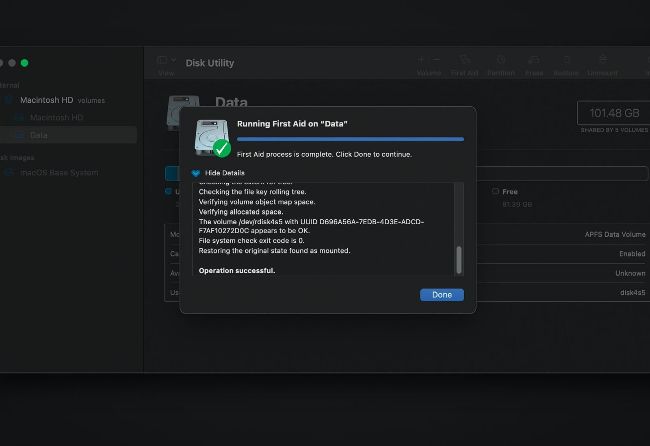
Once you’ve got your Mac running in Recovery mode, open Disk Utility there and run First Aid on your startup volumes.
Image credit: Apple Inc
Q When I try to start up my Intel Mac in Recovery, all I see is a folder with a question mark. How can I recover its Recovery?
by PHIL THOMPSON
A That symbol displayed when a Mac is trying to start up indicates that it can’t find a bootable system it can run from. Press and hold its Power button until it shuts down, then disconnect all its peripherals apart from essentials, including any wired Ethernet connection, mouse or trackpad, keyboard, and its primary display if external.
If you’re using a wireless keyboard, connect that to it using its charging cable. Then try pressing the Power button, and immediately holding down the Command and R keys, to try again to enter Recovery.