One-time passwords
Use your Mac’s 2FA features
Learn how to create one-time passwords in Safari and System Settings
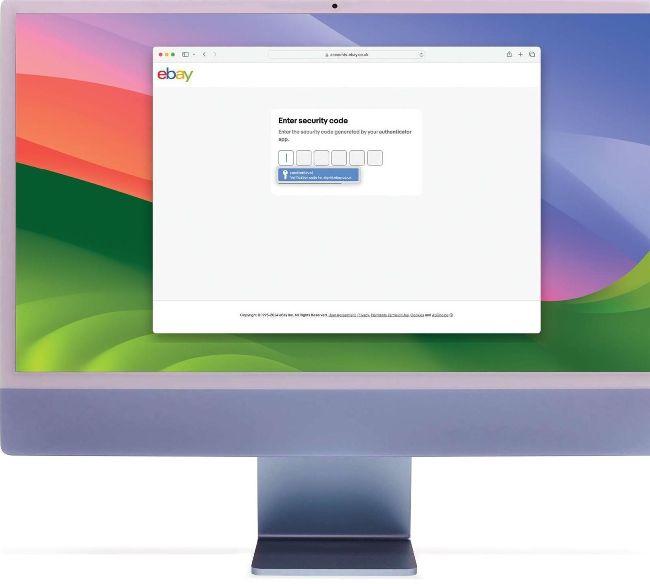
Image credit: Apple Inc
IT WILL TAKE
10 minutes
YOU WILL LEARN
How to ditch third-party authenticators and use your Mac for OTPs instead
YOU’LL NEED
macOS 12 or later, Safari 15 or later
Your Apple device has the ability to generate one-time passwords
Given how determined hackers are to steal people’s data, it’s a good idea to ensure online accounts are as secure as possible. So aside from activating Face ID and Touch ID and ensuring passwords are difficult to guess by using Apple’s suggestions, it’s worth considering two-factor authentication (2FA) as an extra layer of security. It’ll mean you, and only you, will be able to access a code that you can then use to log into an account.