Keystroke Pro 2
Make your on–screen demonstrations and tutorials easier to follow with this clever key press visualizer
$13.99 From
ixeau.com
Needs macOS 11 or later
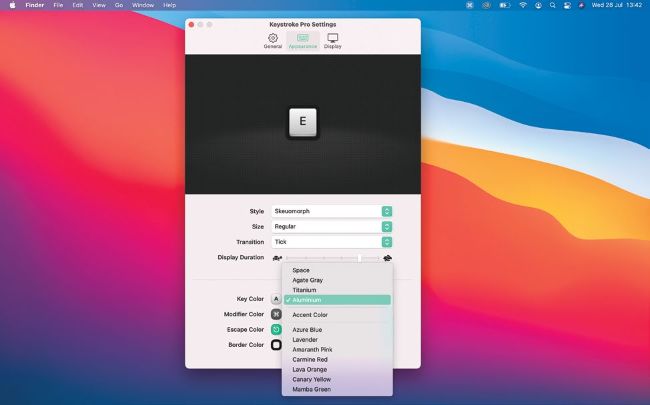
You can change the style, size, animation type, and color of the keys displayed on screen.
One of the new features in macOS Big Sur is the ability to share your screen when you make FaceTime calls. It’s a great way to show colleagues how work is progressing, or help friends or family fix problems with their Mac. Keystroke Pro 2 takes this help one step further by displaying the keys you press as you press them, freeing you up to to talk about other things happening on the screen.