DOCTOR
THIS MONTH THE DOCTOR TACKLES...
> Alienware 240 > Move Program Folders > RAM Upgrade
Broken Alienware? Hi Doc, my monitor is an Alienware 25 and it says it will display 240Hz, but if I go to my settings to change it to 240Hz the screen goes black and then nothing happens until it reverts automatically to 60Hz. Do I need to have an Nvidia graphics card, or can I use it with an AMD graphics card?
–Gregory Muenzer
THE DOCTOR RESPONDS: There are two versions of the Alienware 25 monitor, and which model you have will determine which card you’ll need. The G-Sync version (model number AW2518H) requires a G-Sync compatible card, which basically means GeForce GTX 650 Ti Boost or higher. If you have an AMD card—any Radeon RX model—you’ll need the FreeSync version (AW2518HF). One final consideration: 240Hz mode is only available through DisplayPort, it’s not supported through HDMI, so make sure your card has a DP 1.2 or better.
If you have the G-Sync model with a compatible Nvidia graphics card, open Nvidia Control Panel and click “Set up G-SYNC” under “Display.” Check “Enable G-SYNC” and click “Apply.” Then, verify the AW2518H is the primary display under “Set up Multiple Displays,” select “Manage 3D settings” under “3D Settings,” and click the “Monitor Technology” dropdown to check G-SYNC is the selected feature.
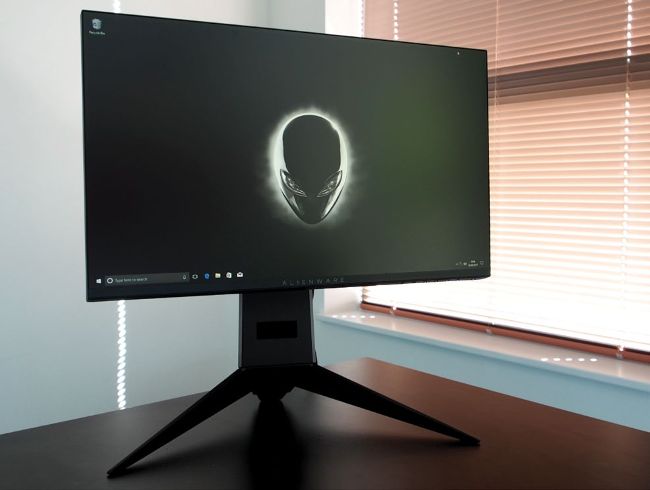
240Hz support requires G-Sync or Freesync.
Still struggling with G-Sync? Visit http://bit.ly/ MPCblurbusters for a guide to setting up and optimizing it.
Move Programs to New Drive