DOCTOR
THIS MONTH THE DOCTOR TACKLES...
> Which mesh syste
> Archive emails offli
> Noisy fans
Confusion over mesh
I’ve got a couple of dead spots in my home network. The obvious solution would appear to be a mesh network, but there’s so much choice—even from the same manufacturer sometimes. What sort of things should I be looking for when shopping for a mesh network?
—Joel Dawson
THE DOCTOR RESPONDS: There are many things to consider when looking at mesh networks. If you’re looking to futureproof your mesh network, then make sure it supports WiFi 6 as a minimum, and WiFi 6E if you have lots of devices where competing demands for network bandwidth could exacerbate your problems.
WiFi 6 adds an additional 160MHz channel to the 5GHz spectrum, so those devices capable of using WiFi 6 (802.11ax) are moved on to a separate channel away from other 802.11ac (WiFi 5) devices to boost performance and capacity. The major difference between WiFi 6 and WiFi 6E is that the ‘E’ stands for extended, extending the WiFi 6 channel into the 6GHz band to get an extra 1,200Mbps bandwidth for increased performance and capacity.
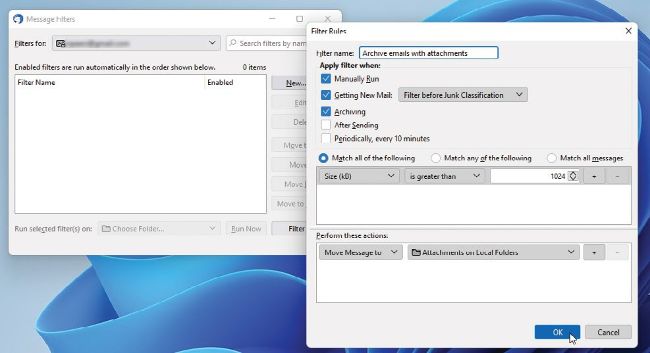
Move old emails offline to free up online space.
© ASUS
WiFi 6E charges a hefty premium (around $150) and with many people still primarily using older WiFi 5 devices, there’s little to be gained right now by choosing it over WiFi 6. Other factors come into play, namely the number of bands provided by the router and the maximum advertised speeds.
You’ll see routers with listings such as AC2400 or AX4000. The ‘AC’ or ‘AX’ identifies them as either WiFi 5 or WiFi 6/6E, while the secondary figure is a theoretical maximum speed offered across all available bands. For example, an AC1750 dual-band router might offer up to 450Mbps on its 2.4GHz channel, and 1,300Mbps on its 5GHz channel.