OneDrive vs Google Drive
The tech titans clash in the field of cloud storage
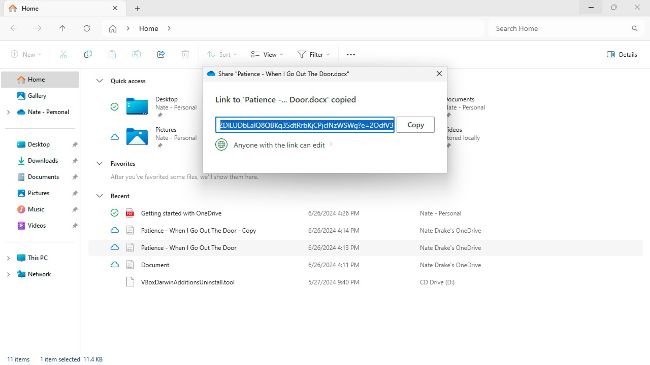
OneDrive is well integrated into Windows. No third-party programs are required.
© MICROSOFT
TECH GIANTS Microsoft and Google each offer their own respective cloud storage services and web apps.
OneDrive is built into Windows, so requires minimal setup. Windows 11 actually requires you to sign in via a Microsoft account during setup. This means, in theory, that every Windows user has at least a free OneDrive folder, so can automatically start backing up and syncing content. This plays well with Microsoft 365 users, as the free web versions of apps like Word and Excel can save files to your OneDrive folder.
There may therefore seem little reason to use Google Drive. After all, it entails setting up a separate account and app. The 15GB of free cloud storage is more generous, but both Microsoft and OneDrive offer similar pricing plans for extra space, starting from around $2 per month for 100GB. Both services also offer comparable security, file versioning, and online editing of documents via their respective app suites.