AFFINITY PHOTO 2
Landscape macros
Make quick and easy adjustments by creating macros in Affinity Photo 2 with Wendy Evans
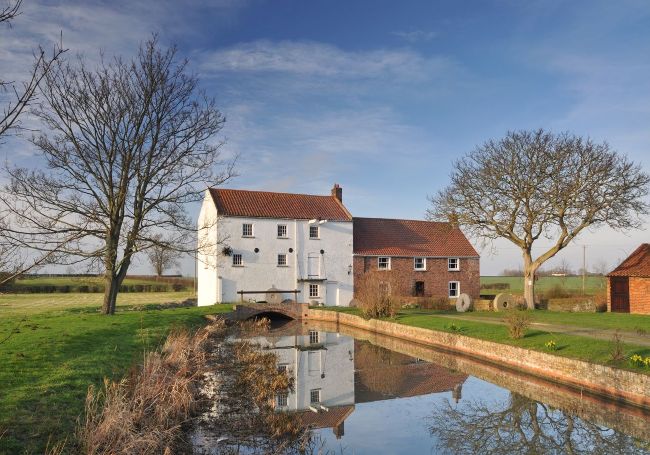
Before Wendy Evans
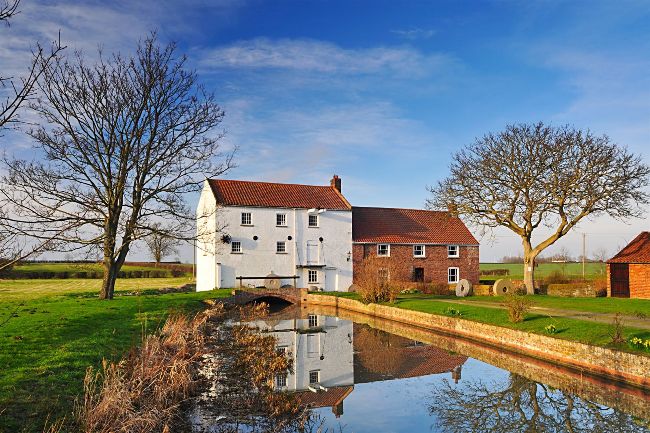
After Macros are a quick and easy way to save time on repetitive landscape editing tasks.
Download your files
www.digitalcameraworld.com/dc295 Download your project files and macros from the folder titled ‘Affinity_Landscape macros’.
There are some things you always tweak when editing landscape photos. Sure, you’ve T straightened the horizon and cropped that dodgy-looking bloke out of the corner of the photo, but the colour, contrast and sharpening adjustments tend to be fairly similar, making them ideal to implement as macros [a set of instructions]. But that’s just the start, because whatever ideas you can come up with, you can create and save a macro of it to use later.