ARDUINO
Arduino to Pi GPIO comms using Python
Like a snake charmer, Les Pounder uses his skills to persuade an Arduino to talk to a Raspberry Pi via Python.
OUR EXPERT
Les Pounder is associate editor at Tom’s Hardware and a freelance maker for hire. He blogs about his adventures and projects at bigl.es.
YOU NEED
Raspberry Pi
Latest Pi OS
Arduino Uno (or compatible)
Breadboard
10K potentiometer
LED
330-Ohm resistor (orangeorangebrown-gold)
5x M2M jumper wires
Code: https://github.com/ lesp/LXFpyFirmata
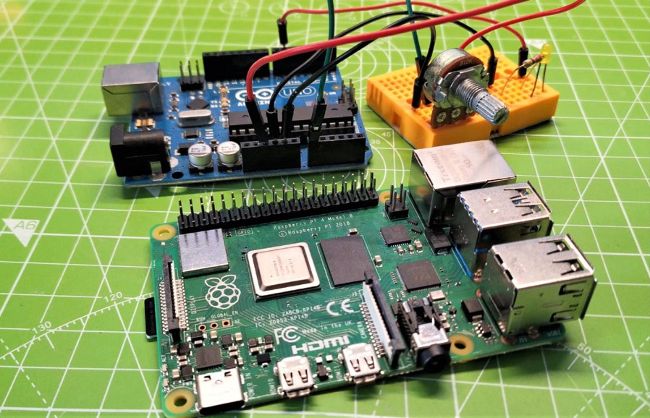
The Arduino and Raspberry Pi have their strengths and weaknesses. Using Firmata, we can get the best from both boards.
The Arduino and the Raspberry Pi both have their strengths and weaknesses, but what if we could harness both of them to produce projects? Firmata is a firmware that enables our Raspberry Pi (or another Linux computer) to talk to an Arduino and use it as an extension of the GPIO. In this tutorial, we shall learn how to configure an Arduino that reacts to commands sent via pyFirmata, a Python version of Firmata. This project would be ideal for those old Arduino clone boards that many makers have in their bits box, pressing them into service to provide extra GPIO and analogue inputs that are missing on our favourite single-board computer. Using pyFirmata, we can easily add extra features to our projects, including those that just need a few more GPIO options.