Mac software
Master screenshots on Mac
Take quick and easy screengrabs to speed up your workflow
. Apple Inc
IT WILL TAKE
>5 minutes
YOU WILL LEARN
>How to capture images and videos of your Mac’s screen
YOU’LL NEED
> macOS 12 or later
Genius tip!
> If you ctrl - click the screenshot thumbnail when it appears, you get more options, such as opening it in Mail or showing it in Finder.
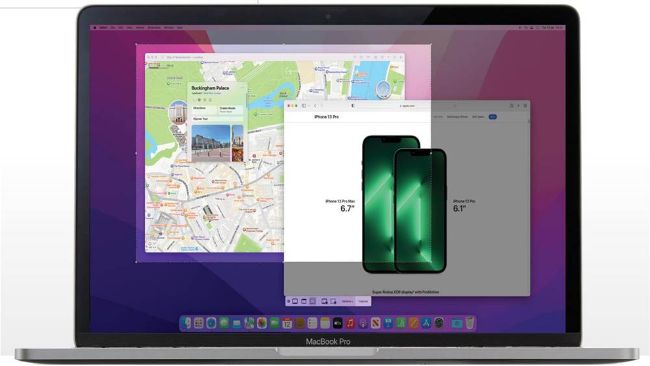
Every now and then, you’ll probably need to take a screenshot or video recording of your Mac’s screen. Rather than take a blurry photo using your iPhone, you can use the built-in tools in macOS to get a crisp, clean capture instead.