Master Safari, Mail & Messages
Sync your data and enjoy extra iCloud+ features in Apple’s key apps
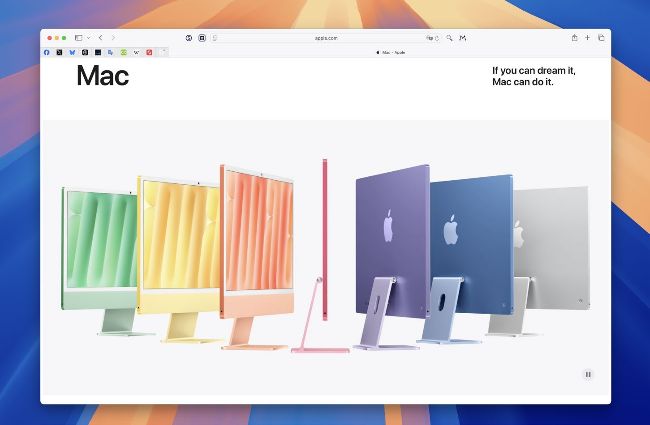
iCloud has much to offer Apple’s Safari, Mail and Messages apps.
For those of us who own more than one Apple device (and these days, who doesn’t?), syncing apps such as Safari, Mail and Messages means you can use these apps on one device and pick up where you left off on another. This is dependent on your devices being logged into the same Apple Account, of course.
Setting up Safari for syncing is easy. On a Mac, open System Settings from the Apple menu, and click [your name] > iCloud in the sidebar. Above the ‘Saved to iCloud’ section is a button marked See All. Click it, and make sure the Safari switch in the apps list is turned on. On an iPhone or iPad, tap [your name] > iCloud in the list or the sidebar, then tap See All, and again make sure the Safari switch is turned on. Now your Safari bookmarks, Reading List and Tab Groups are synced across all your devices. If you’ve opened a website on one device, you can find it on another by clicking or tapping the web address and scrolling to iCloud Tabs.