Easy when you Know How
Uninstall junk from his Fire stick
Fed up with preinstalled apps hogging valuable storage space, Robert Irvine tries to…
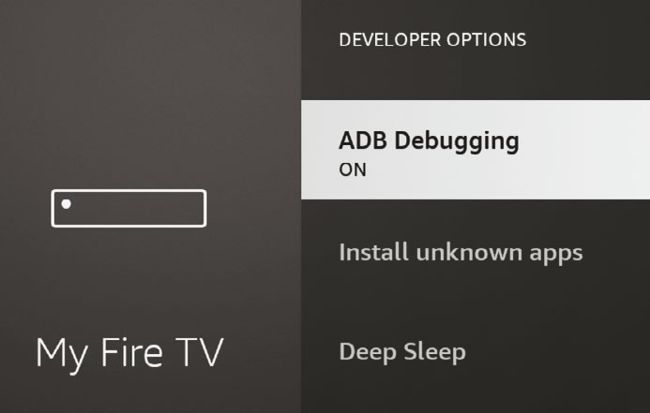
Enable ‘debugging’ to wirelessly connect atvTools to your streaming device
Along with ‘toilets out of order’ and ‘rail-replacement bus service’, one of the most frustrating messages you can encounter in life is ‘insufficient storage’. Now that PCs and phones have hundreds of gigabytes of space, it’s less common than it used to be, but you’re still quite likely to see it on a TV-streaming stick.
As we explained in Issue 704’s ‘Ditch your old TV habits’ Cover Feature (page 57), streaming devices such as Amazon’s Fire TV Sticks and the ‘Chromecast with Google TV’ include very little built-in storage. Though their specifications boast of 8GB capacities, most of this is taken up by the TV operating system, leaving you with only a few ‘gigs’ to install more apps. I experienced this annoyance (again) the other day, when I tried to install Apple TV+ on my Fire Stick. This prompted the scary message ‘critically low on storage space’ and advised me to uninstall other apps to make room. However, I’d already removed most apps I no longer wanted the last time I saw the message.